Best Mailchimp alternatives: 10 options, free and paid
For years, Freddie the winking chimp was the face of small business email marketing. Now more and more Mailchimp users are asking what else is out there. Some are tired of a bill that climbs with every new contact. Others have noticed that Mailchimp's owner is investing less in it. Which Mailchimp alternatives are worth your time?
There’s no shortage of email marketing platforms, and most of them handle the basics well. Drag-and-drop editors, templates, sign-up forms, and simple automations are standard almost everywhere. That’s exactly what makes choosing one hard.
The differences that matter tend to show up later, once your audience and your team have grown. They usually come down to three questions. How does the platform bill you, which channels do you need, and how many people will work on your email?
This guide looks at 10 Mailchimp alternatives through that lens: MailerLite, Brevo, Kit, Flodesk, Omnisend, Klaviyo, ActiveCampaign, HubSpot, EmailOctopus, and Mailjet. Each entry covers what the platform does well and where it falls short.
Why do people switch from Mailchimp?
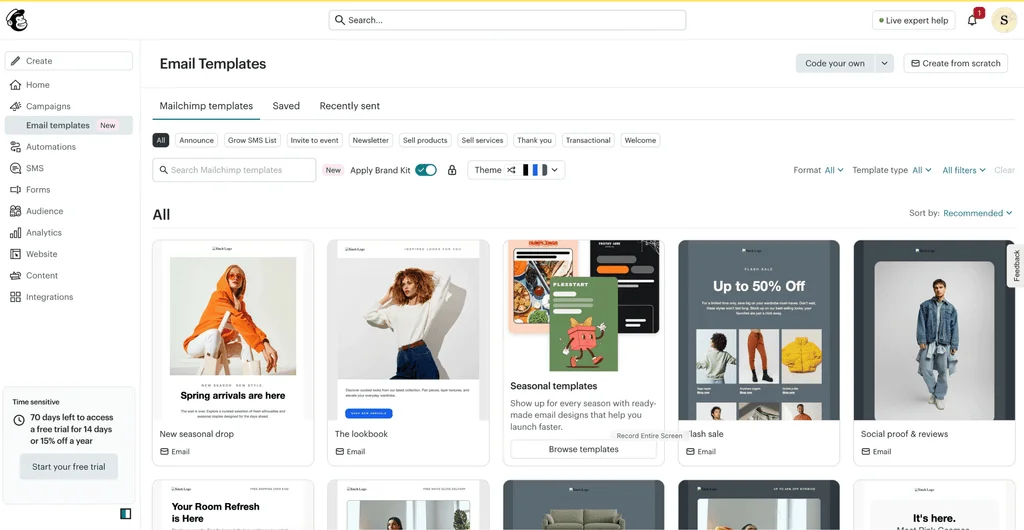
Mailchimp is easy to start with, and its reviewers often praise the templates and reports. But in May 2026, MediaPost reported that owner Intuit would invest less in several areas, Mailchimp among them. For many users, the reasons to leave are more practical, and they tend to show up as the business grows.
Your contact list sets the price
Mailchimp prices each paid plan by the number of contacts you store. That number also sets your monthly sending limit, at 10 to 15 times your contact count, depending on the plan.
According to Mailchimp’s help center, subscribed, non-subscribed, and unsubscribed contacts all count toward that limit. You can archive contacts to take them out of the count, but someone has to remember to do it.
The effect shows up quickly. Moving from 2,500 to 5,000 contacts takes the Standard plan from $60 to $100 a month, even if you send no more email than before.
I think the pricing can become a drawback as your contact list grows or as you need access to more advanced features.
Danielle P., Finance and Admin Director
Mailchimp G2 review, June 2026
Team access is capped below Premium
The Essentials plan includes three user seats, and Standard includes five. Unlimited users start on Premium, which costs $350 a month for up to 10,000 contacts.
Premium also adds enterprise single sign-on and phone support, so it makes sense for larger organizations that need those tools. For a smaller company that simply wants a few more people in the account, it’s a big jump in price.
Transactional email is a separate add-on
Receipts, password resets, and other transactional emails run through Mailchimp Transactional, formerly Mandrill. It’s an add-on for the Standard and Premium plans only, sold in blocks of 25,000 emails at $20 a block. Unused emails don’t roll over to the next month.
The free plan has shrunk
Mailchimp’s free plan has been cut back over the years. It now covers up to 250 contacts and 500 emails a month, with no automation flows. Brevo, Kit, EmailOctopus, and Mailjet all allow far more for free.
That leaves little room to test the platform properly, or to start small and learn as you grow. Occasional senders can buy Pay As You Go credits instead, but those credits expire after 12 months.
Which of these limits you have hit decides what to look for next.
What should you look for in an email service like Mailchimp?
Before you compare Mailchimp competitors, write down what made you start looking elsewhere. Then check each option against the points below.
Channels. Decide whether you need email only, or email alongside SMS, WhatsApp, and a CRM. This one choice narrows the list fastest.
Pricing model. Some platforms charge for the contacts you store, others for the emails you send. Work out which of the two grows faster for your business.
Contact caps on entry plans. Even platforms that charge for sending can limit stored contacts on their cheapest tiers.
Team access. Count the people who need to log in, and check what each extra seat costs. Seats are an easy cost to miss when you start out, so plan for the team you expect to have.
Transactional email. If your app or store sends receipts and password resets, check whether that needs a second product.
Automation depth. A welcome series is standard everywhere. Branching journeys based on behavior are not.
Free plan limits. Compare contacts, monthly emails, and what you lose without paying, such as automations or the option to remove branding.
One group sits outside this list. If you run a SaaS product, much of your email is onboarding and lifecycle messaging. Tools built for that job, such as Loops or Customer.io, are worth a separate look, and they aren’t included in this roundup.
With those questions answered, the table below shows how the 10 options line up.
The 10 Mailchimp alternatives at a glance
Platform
Best for
Free plan
Paid plans from
Priced on
Mailjet
Marketing and transactional email for growing businesses
6,000 emails/mo, 1,000 contacts
$9/mo for 8,000 emails and 2,000 contacts
Emails sent (unlimited contacts from Essential)
MailerLite
Simple email marketing that’s quick to learn
2,500 emails/mo, 250 subscribers
$12/mo for 500 subscribers
Subscribers
Brevo
Email, SMS, and WhatsApp together
300 emails/day
$9/mo for 5,000 emails and 500 contacts
Emails sent, with contact caps on lower tiers
Kit
Creators and paid newsletters
Up to 10,000 subscribers, no automations
$39/mo for 1,000 subscribers
Subscribers
Flodesk
Design-first brands
Forms and landing pages, no email sending
$25/mo for 1,000 subscribers
Subscribers
Omnisend
Small online stores
500 emails/mo, 250 contacts
$16/mo for 500 contacts
Contacts
Klaviyo
Ecommerce brands with deep customer data
500 emails/mo, 250 profiles
$20/mo for 500 profiles
Active profiles
ActiveCampaign
Advanced automation
None (14-day trial)
$15/mo for 1,000 contacts, billed annually
Contacts
HubSpot
Sales and marketing on one CRM
2,000 emails/mo, HubSpot branding
$20/mo per seat, 1,000 marketing contacts
Seats and contacts
EmailOctopus
A free plan for small lists
10,000 emails/mo, 2,500 subscribers
$10/mo for 500 subscribers
Subscribers
Mailchimp (for reference)
–
500 emails/mo, 250 contacts
$13/mo for 500 contacts
Contacts, unsubscribed included
All prices are in USD for monthly billing at each platform’s entry tier, unless marked otherwise. Every one of them rises with your list, your sending, or your seat count, so the entries below look at fit as well as price.
The best alternatives to Mailchimp
Each option below covers what the platform does well, where it falls short, and what it costs to start.
Best for marketing and transactional email for growing businesses: Mailjet
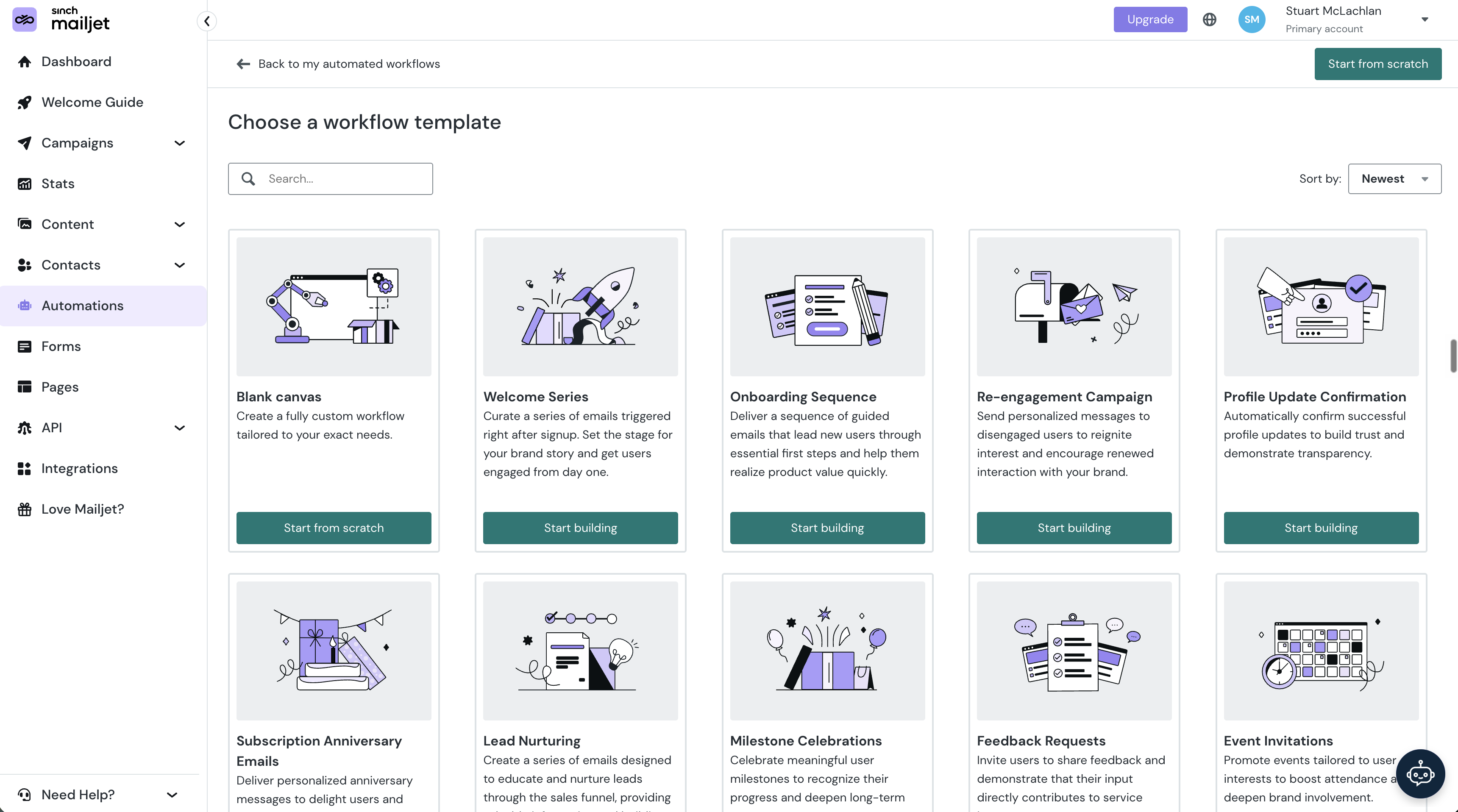
Mailjet covers the email essentials Mailchimp is known for. Its drag-and-drop editor and templates make campaigns quick to build, with segmentation, automations, A/B testing, and detailed statistics alongside. It also sends transactional email through a send API and SMTP relay, so receipts and campaigns run from one account without an add-on.
That makes it a good platform to start on and grow with quickly. You pay for the emails you send, and contacts are unlimited from the Essential plan upward. Teams can grow without a jump in price, too. The Premium plan, from $29 a month, includes account sharing with no limit on users. Editors can also build the same email together with real-time collaboration.
It allows our marketing and design teams to work together on the same template simultaneously, similar to working in Google Docs, which eliminates the need for constant back-and-forth revisions. I also appreciate the reliable SMTP relay and marketing tools that are integrated into a single platform…
Ramanpreet S., Software Developer
Mailjet G2 review, May 2026
Mailjet delivers 98% of the emails it sends, and customer data is hosted in the EU with GDPR compliance built in. As you scale, larger senders can move to a Custom plan with a dedicated technical account manager, IP strategy, and deliverability services.
Mailjet pricing
Free: Up to 1,000 contacts and 6,000 emails a month, no credit card needed
Starter: 2,000 contacts and 8,000 emails for $9 a month
Essential: Unlimited contacts, segmentation, and 15,000 emails for $19 a month
Premium: Automations, landing pages, and team management on top, at $29 a month for 15,000 emails
Custom: Quoted plans for high-volume senders, with a dedicated technical account manager
ℹ️ Worth knowing: Mailjet focuses on email, so there’s no SMS, WhatsApp, or CRM. If you want all of those in one tool, an all-in-one suite will fit better. Unlimited contacts start on the Essential plan, while the Free and Starter plans cap contacts at 1,000 and 2,000. For a side-by-side view, see Mailjet vs Mailchimp.
Best for simple email marketing that’s quick to learn: MailerLite
MailerLite is a frequent recommendation in discussions about leaving Mailchimp. People point to its uncluttered editor and an interface that takes little time to learn. Landing pages, forms, and a visual automation builder are all included.
Every paid plan includes the full feature set, and the Power plan removes the monthly email limit and adds unlimited seats. The catch is the billing model. MailerLite charges by subscriber count, so a business that emails rarely still pays for the whole list.
Because I’m an infrequent emailer, I’d love an option to pay for each newsletter campaign sent instead of a flat monthly fee per subscriber.
Katherine H., Owner
MailerLite Capterra review, January 2026
MailerLite pricing
Free: 250 subscribers and up to 2,500 emails a month
Comfort: 500 subscribers, 5,000 emails, and three seats for $12 a month
Power: Unlimited emails and seats for 500 subscribers at $25 a month
ℹ️ Worth knowing: Automation and segmentation are simpler than on specialist platforms, which suits most newsletters but not complex journeys. For more options in the same space, see our MailerLite alternatives.
Best for email, SMS, and WhatsApp together: Brevo
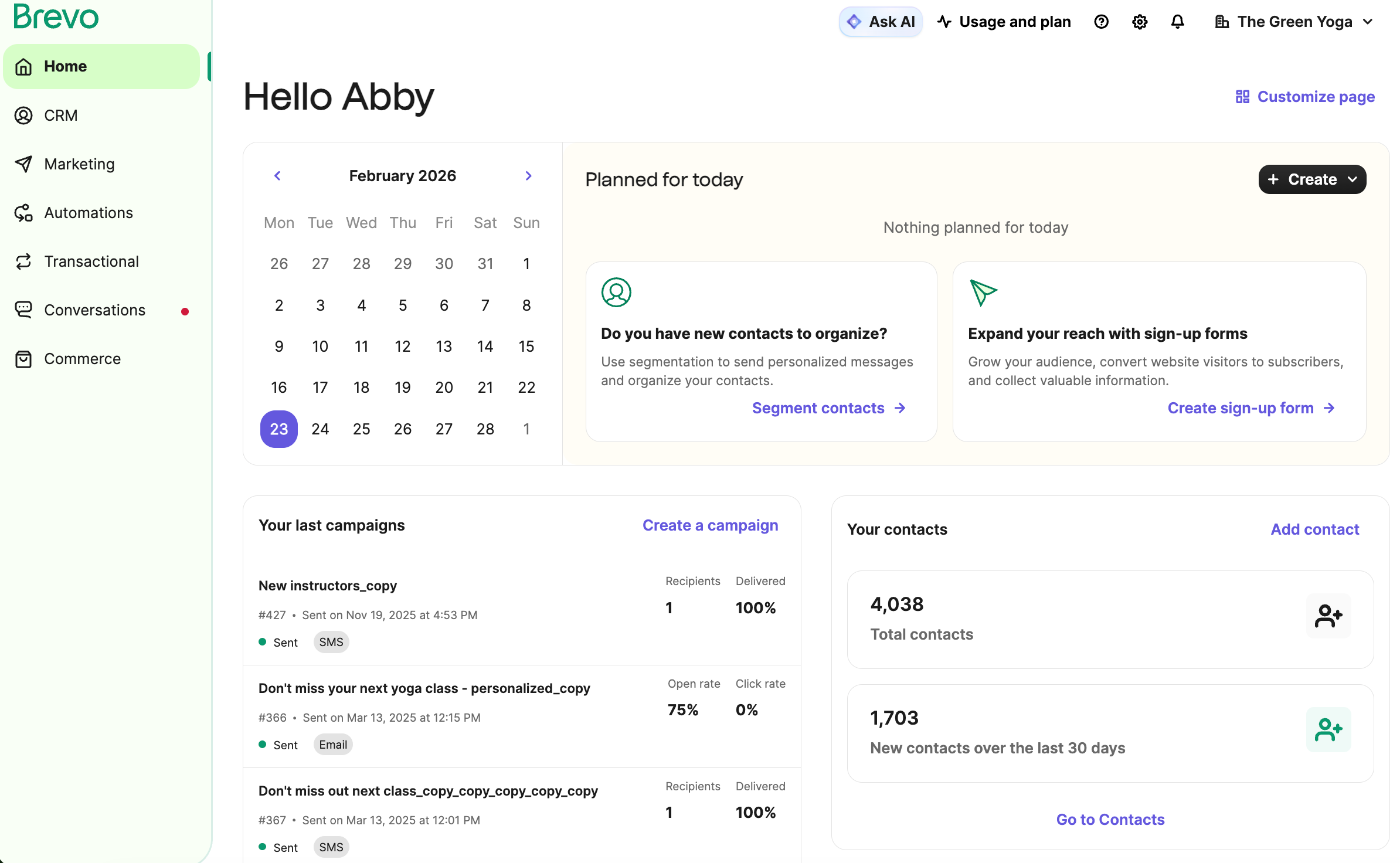
Brevo, formerly Sendinblue, puts email, SMS, WhatsApp, and a CRM in one platform. Transactional email is included on every plan, and the free plan allows 300 emails a day for up to 100,000 contacts.
Like Mailjet, Brevo prices on the emails you send, and many people who leave Mailchimp choose it for exactly that reason. The difference is in the entry tiers. On Starter and Standard, the contacts you can store depend on the volume you buy. That’s 500 at 5,000 emails, 1,500 at 10,000, and 2,500 at 15,000.
So a list of 3,000 contacts needs the 20,000 email tier, even if you send far fewer emails than that.
Brevo pricing
Free: Up to 100,000 contacts and 300 emails a day
Starter: 500 contacts and 5,000 emails for $9 a month
Standard: Automation and A/B testing added, at $18 a month for 5,000 emails
Professional: Multi-user access, from $499 a month for 150,000 emails
ℹ️ Worth knowing: Standard includes one marketing seat, and you can add up to two more at $12 a month each. Bigger teams need the Professional plan. See our Brevo alternatives if that ceiling matters to you.
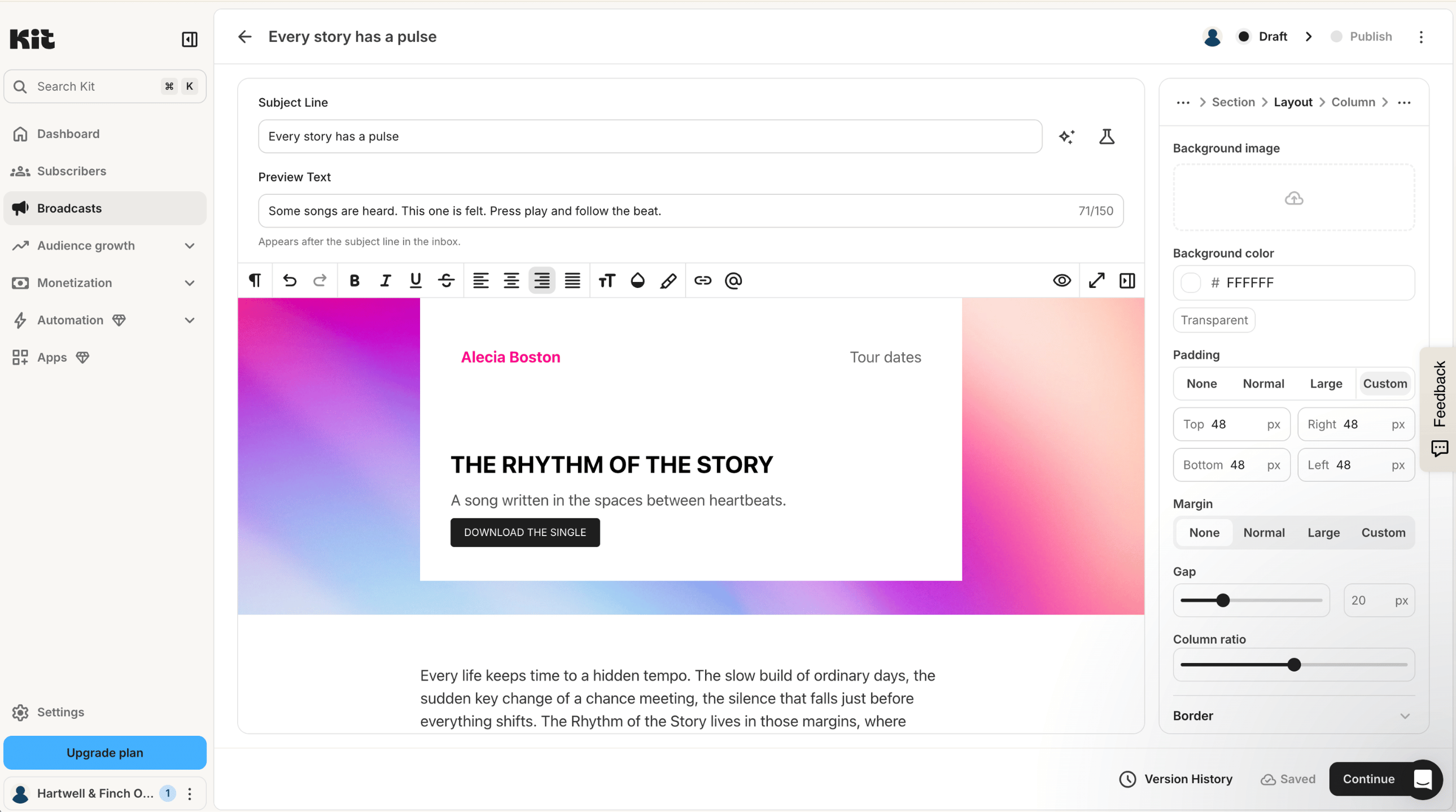
Best for creators and paid newsletters: Kit
Kit, formerly ConvertKit, is built for creators. Alongside email, it sells digital products, paid newsletters, and tips, and it runs a paid recommendation network to help you grow an audience. There are no sending limits on any plan.
Like Mailchimp, Kit bills by subscriber count, and the same complaint follows it. The free plan covers up to 10,000 subscribers but leaves out visual automations, email sequences, and integrations, and allows one user.
Reporting is pretty basic and the landing page templates feel dated. Pricing climbs fast as your subscriber list grows.
Wren W., Owner and Operator
Kit Capterra review, June 2026
Kit pricing
Free: One user and up to 10,000 subscribers, without visual automations or sequences
Creator: Two users and 1,000 subscribers for $39 a month
Pro: Unlimited users and deliverability reports, at $79 a month for 1,000 subscribers
ℹ️ Worth knowing: Kit doesn’t offer transactional email, and sales through it carry a fee of 3.5% plus 30 cents. Our Kit alternatives guide covers the newsletter-focused options in more depth.
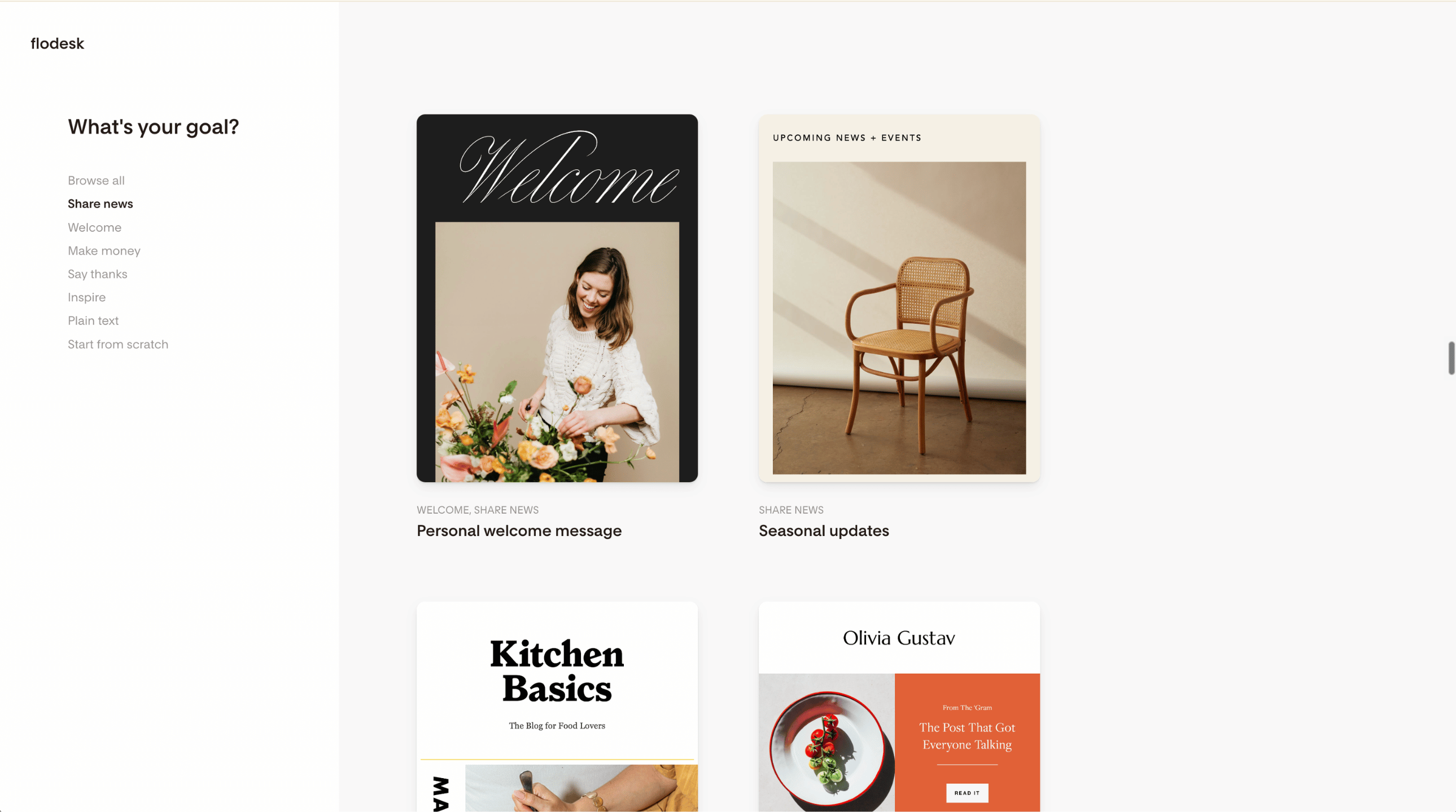
Best for design-first brands: Flodesk
Flodesk is known for polished templates and an editor that makes good-looking emails quick to build. Forms and landing pages come with every plan, and the Everything plan adds checkouts and sales pages.
One thing is easy to miss: The free plan doesn’t send email. So if you’re looking for a free Mailchimp alternative, Flodesk isn’t one.
Its pricing changed on December 2, 2025. New members can no longer join the old flat-rate plan, and bills now rise with the number of active subscribers. Unlike Mailchimp, though, Flodesk leaves unsubscribes and bounces out of the count.
Flodesk pricing
Free: Forms, landing pages, and link-in-bio pages only (no email sending)
Lite: One seat, unlimited sends, and up to 1,000 subscribers for $25 a month
Pro: Two seats and unlimited workflows, at $28 a month for 1,000 subscribers
Everything: Three seats plus checkouts and sales pages, at $54 a month for 1,000 subscribers
ℹ️ Worth knowing: Advice praising Flodesk’s flat rate predates the change, so it won’t apply if you sign up now. Lite allows one workflow, which means automation really begins on Pro.
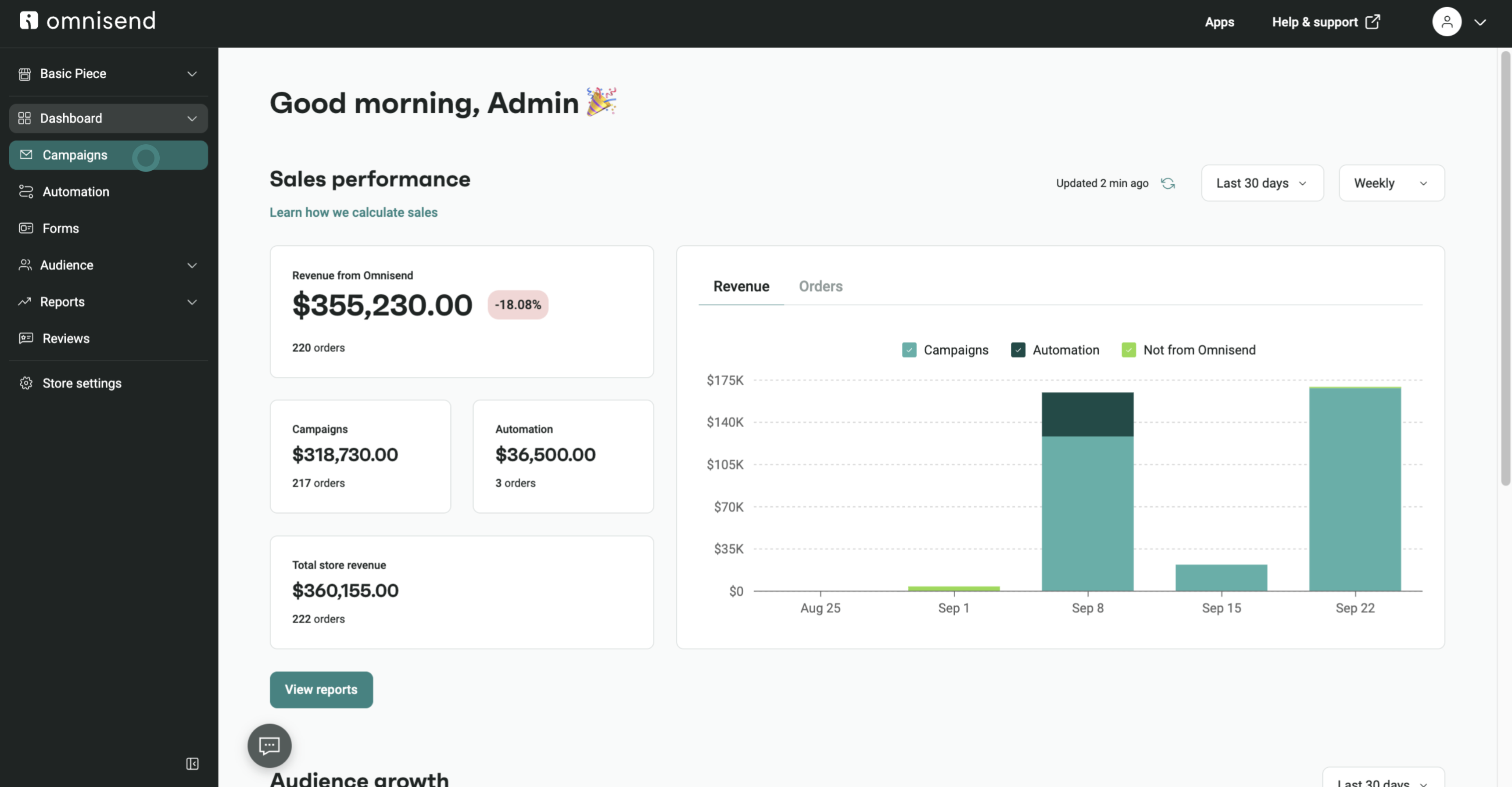
Best for small online stores: Omnisend
Omnisend is designed for online stores. It connects to Shopify and WooCommerce, pulls products straight into emails, and includes prebuilt automations for abandoned carts and repeat orders. SMS sits in the same workflows as email.
For a small store, that saves a lot of setup work compared with a general-purpose tool. Pricing is based on contacts, as on Mailchimp, so the bill rises with your customer list.
Omnisend pricing
Free: 250 contacts and 500 emails a month
Standard: 6,000 emails to up to 500 contacts for $16 a month
Pro: Unlimited emails to 2,500 contacts for $59 a month
ℹ️ Worth knowing: Text messages use paid credits. The first three months come at an introductory discount, so look for the regular price before you decide. Our Omnisend alternatives guide compares other store-focused tools.
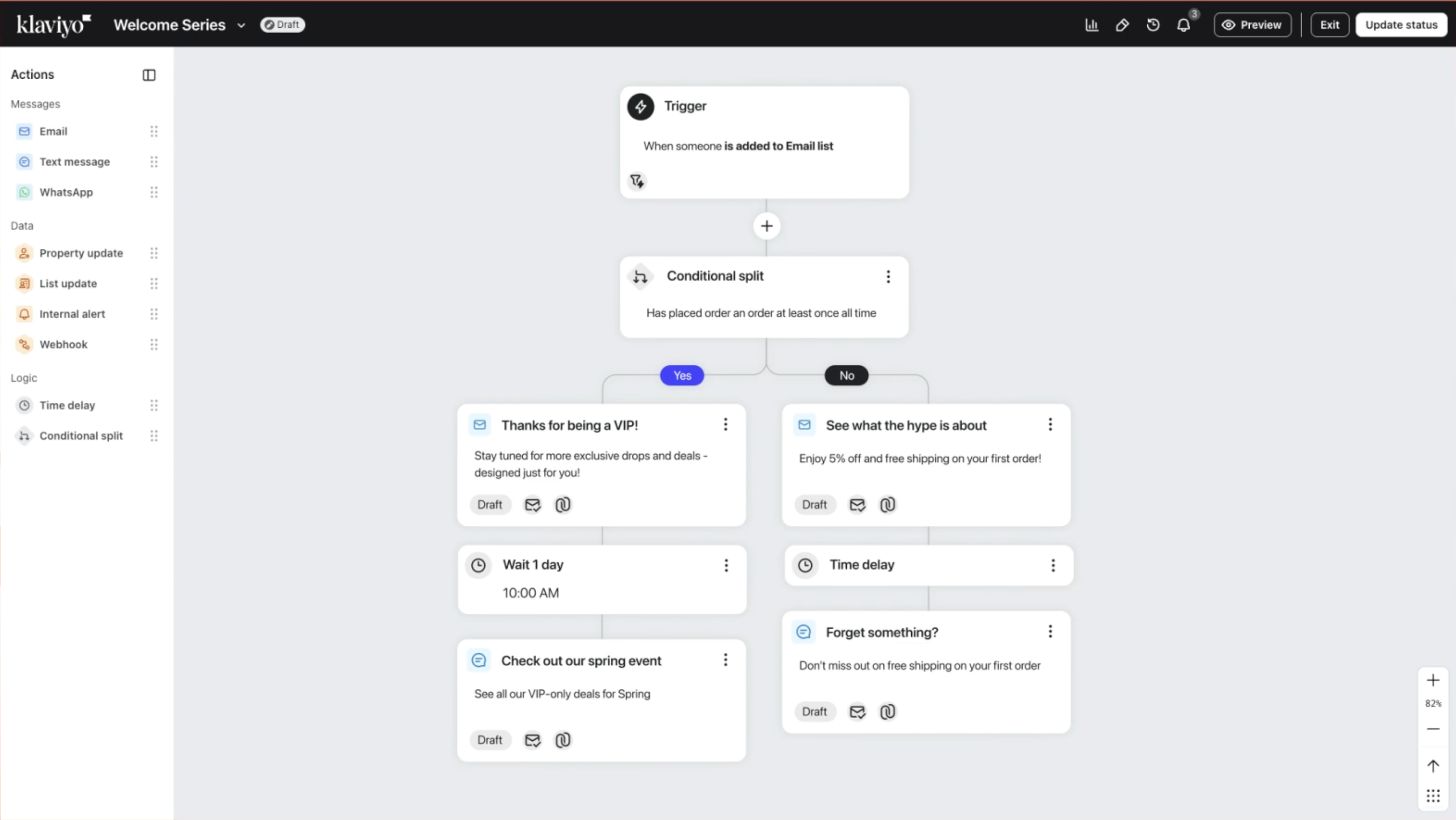
Best for ecommerce brands with deep customer data: Klaviyo
Klaviyo is built around customer data for ecommerce brands. It pulls in order history and browsing behavior, then uses them to drive segments, product recommendations, and automated flows. That depth suits stores with large catalogs and plenty of order data.
Now, those automated flows catch them within an hour and show photos of exactly what they left behind.
Ana N., Founder
Klaviyo Capterra review, September 2026
Klaviyo pricing
Free: 500 emails a month to up to 250 active profiles
Email: 5,000 emails to 500 active profiles, from $20 a month
ℹ️ Worth knowing: Email, SMS, analytics, and customer service are priced as separate Klaviyo products, so a full setup adds up. It’s built for online retail rather than B2B or service companies.
Best for advanced automation: ActiveCampaign
ActiveCampaign is the pick for teams whose email runs on automation. Its visual builder handles branching journeys based on what contacts do, and higher plans add CRM features for tracking deals alongside campaigns.
That power comes with a learning curve, and with a price based on contacts. You need someone on the team who can build workflows and look after them, with AI tools to help along the way. It suits complex automation needs far better than a simple newsletter.
ActiveCampaign pricing
Free: None, but there’s a 14-day trial
Starter: One user and 1,000 contacts for $15 a month, billed annually
Plus: Landing pages and standard segmentation for $49 a month, billed annually
Pro: Three users and advanced segmentation for $79 a month, billed annually
ℹ️ Worth knowing: On Starter, each automation is capped at five actions, so more ambitious workflows need Plus. The pricing page shows annual billing only, so you have less flexibility than with tools you can pay for month by month. See our ActiveCampaign alternatives for similar tools.
Best for sales and marketing on one CRM: HubSpot
For many businesses, HubSpot is the CRM. Its email tools are capable, but they’re one part of a much bigger suite that also covers sales pipelines, customer service, and reporting. So it’s less an email service than a platform for running sales and marketing together.
If your sales team already lives in HubSpot, keeping email there avoids syncing data between tools. If you only need email, you’ll pay for a lot you don’t use.
HubSpot pricing
Free: Two users and 2,000 emails a month, with HubSpot branding
Starter: 1,000 marketing contacts for $20 per seat a month, billed monthly
Professional: Three seats for $890 a month, billed monthly, plus a one-time $3,000 onboarding fee
ℹ️ Worth knowing: Going from Starter to Professional is a big leap in price, and the onboarding fee is mandatory. Check how many marketing contacts you’ll need before you commit.
Best free plan for small lists: EmailOctopus
EmailOctopus keeps things simple. It covers newsletters, forms, landing pages, and automations, and leaves out the extras that make larger platforms feel crowded. People who send a regular newsletter to a modest list are the natural fit.
Its free plan is generous on allowance but comes with limits, from branding on your emails to a single user login. The pricing shows the same simplicity. There’s only one paid plan, priced by subscriber count, and its features won’t match those of the more advanced platforms here.
EmailOctopus pricing
Free: One user, up to 2,500 subscribers, and 10,000 emails a month
Pro: Unlimited users and 10,000 emails for 500 subscribers, from $10 a month
ℹ️ Worth knowing: Free accounts keep reports for 30 days and allow one landing page and one form. There’s no SMS or CRM, so it suits email-only senders. Nonprofits get a 20% discount.
That covers the 10 options. Entry prices only tell part of the story, though, so the next section looks at how the bill changes as your audience grows.
Which alternatives to Mailchimp are cheaper as your audience grows?
The answer depends on how each platform bills you. Mailchimp, MailerLite, Kit, and most of the alternatives here charge for the contacts you store. Mailjet charges for the emails you send. So whether Mailjet comes out ahead depends on how often you email your list.
If you send about four emails a month to everyone on your contact list, here’s how Mailchimp Standard compares with Mailjet Premium. Both plans include automations.
Contacts
Emails a month
Mailchimp Standard
Mailjet Premium
2,500
About 10,000
$60
$29 (15,000 emails)
5,000
About 20,000
$100
$59 (50,000 emails)
10,000
About 40,000
$135
$59 (50,000 emails)
25,000
About 100,000
$310
$112 (100,000 emails)
50,000
About 200,000
$450
$265 (250,000 emails)
Mailchimp prices are its standard monthly rates. Plans for 10,000 contacts or more start with 15% off for the first 12 months, then move to these rates.
The picture changes if you email your list every day. A 10,000-contact list emailed daily sends around 300,000 emails a month, which puts Mailjet Premium on its $499 tier. Mailchimp Standard caps sending at 12 times your contact count, so a daily sender would go over that limit too. Either way, run your own numbers before you switch.
Two other costs can move the comparison:
Teams. On Mailchimp, unlimited users start at $350 a month. Mailjet Premium includes unlimited users from $29.
Transactional email. On Mailchimp it’s an add-on to Standard or Premium, priced per 25,000 emails. On Mailjet, the same plan allowance covers marketing and transactional sends.
For exact figures at your own volume, check Mailjet pricing. If you can’t justify a paid plan yet, the free options are worth a look first.
Are there free alternatives to Mailchimp?
Yes. Most of the platforms here have a free plan. Several cover far more contacts or emails than Mailchimp’s 250 contacts and 500 emails a month. But contacts and emails aren’t the only limits. Automations, user seats, branding, and support also vary, and any of them can hold you back.
If you’re comparing free Mailchimp alternatives, the table below shows what each free plan includes and where it stops.
Platform
Free contacts
Free emails
Main limits
Brevo
Up to 100,000
300 a day
Brevo branding; automation for up to 2,000 contacts
Kit
Up to 10,000 subscribers
No sending limit
No visual automations or sequences, one user
EmailOctopus
Up to 2,500 subscribers
10,000 a month
Branding, one user, reports kept for 30 days
Mailjet
Up to 1,000
6,000 a month (200 a day)
Mailjet logo, support for the first month only
MailerLite
Up to 250 subscribers
2,500 a month
Paid plans needed for most extras
Omnisend
Up to 250
500 a month
Ecommerce focus
Klaviyo
Up to 250 active profiles
500 a month
Ecommerce focus
HubSpot
Free CRM tools
2,000 a month
HubSpot branding, two users
Mailchimp
Up to 250
500 a month
No automation flows, one seat
Free email services like Mailchimp also differ on transactional email. Mailjet’s and Brevo’s free plans both include transactional sending, so a small app or store can send receipts and password resets without paying.
Once you’ve picked a platform, moving from Mailchimp is mostly a matter of order.
How to switch from Mailchimp
Export your audience from Mailchimp as a CSV file, including tags and custom fields you want to keep.
Import unsubscribes as an exclusion list. That way nobody who opted out hears from you again.
Set up your sending domain. Add the SPF and DKIM records your new platform gives you, and check your DMARC policy.
Rebuild your key templates and automations. Start with the welcome series and anything that drives revenue.
Move transactional sending if you use Mailchimp Transactional. Swap the API keys or SMTP details in your app.
Send to your most engaged contacts first, then widen the audience over a few campaigns.
If you still have questions before you choose, the answers below cover the most common ones.
Frequently asked questions
Mailchimp prices each plan by the number of contacts you store, and unsubscribed contacts count toward that number. So the bill rises as your list grows, even when you don’t send more. Features such as unlimited users and deeper automation also sit on higher plans.
Yes, but it has been cut back over the years. It now covers up to 250 contacts and 500 emails a month, with one user seat and no automation flows. Email support lasts for the first 30 days only. Brevo, Kit, EmailOctopus, and Mailjet all offer considerably more for free.
It depends on what you need from it. Of the platforms here, Brevo’s free plan holds the most contacts, at up to 100,000. Kit suits newsletters, with up to 10,000 free subscribers. EmailOctopus allows 10,000 free emails a month. Mailjet’s free plan offers enough to get started and adds the send API and SMTP relay, so it covers transactional email too.
There isn’t a single one. MailerLite and Brevo appear on almost every list of Mailchimp alternatives, and Constant Contact is a long-standing rival for small businesses. Mailjet, another long-established platform, competes by putting marketing and transactional email in one place. Klaviyo competes for ecommerce brands, and HubSpot for teams that want a CRM.
Flodesk is the stronger choice if design is your priority, and it doesn’t count unsubscribes or bounces toward your bill. Mailchimp has a broader feature set. Both send email on their paid plans, but only Mailchimp’s free plan includes sending. Both now price by audience size.
If you only send a few emails a year, you probably don’t need advanced features, and you may not be running a business at all. Start with a free plan that covers your list. Brevo, Kit, EmailOctopus, and Mailjet all allow more contacts than Mailchimp’s 250. Mailchimp’s Pay As You Go credits are another option, but they expire after 12 months.
If you send both marketing and transactional email, Mailjet covers both from one plan and one monthly allowance. If your team is developer-led and mainly sends transactional email at high volume, Mailgun is built for that job.
Choosing your Mailchimp alternative
Start with where your business is heading. If you expect your audience and team to grow, choose a platform that supports that success rather than charging you for it, like Mailjet. If you sell online, an ecommerce specialist such as Omnisend or Klaviyo will do more for you. And if you need SMS or a CRM in the same tool, look at Brevo or HubSpot.