ConvertKit (now Kit) alternatives: 9 platforms for newsletters and beyond
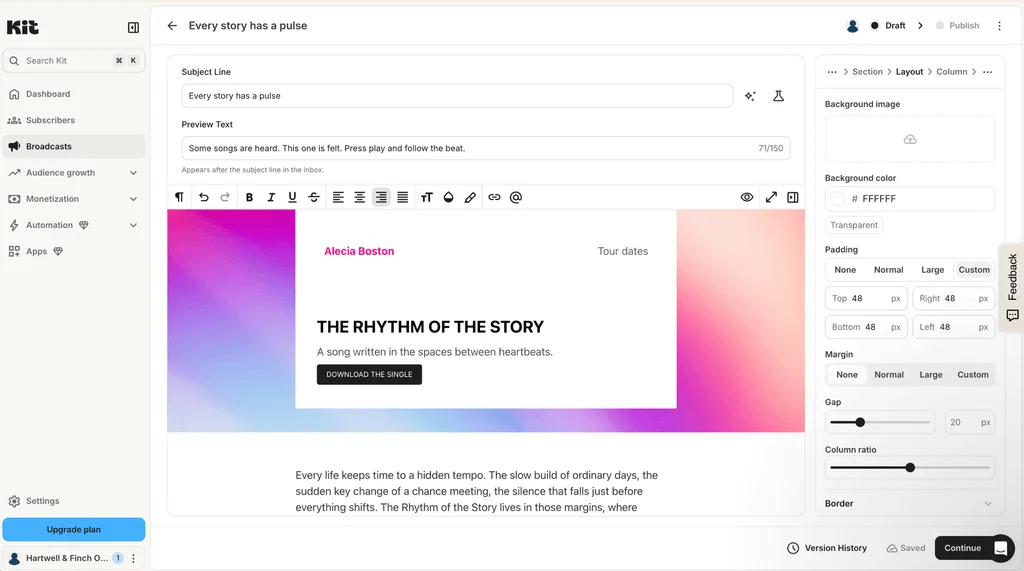
Kit, formerly ConvertKit, is built for creators. Most start with a newsletter and the hope of growing it, and Kit makes that first step easy. But if your newsletter turns into a business, a creator-first tool can start to feel limiting. Particularly when your bill rises with every subscriber. So where do you go once you've outgrown it?
This guide covers nine ConvertKit alternatives and competitors, from publishing platforms to business email tools, and explains when each one fits.
Kit describes itself as the platform “for creators who mean business”. Authors, coaches, and course creators use it to grow a list and sell to it, and reviewers regularly praise how simple its automations are. But a tool built for creators isn’t always the right tool for a growing business.
Why do people switch from ConvertKit (now Kit)?
Most people who leave Kit aren’t unhappy with the basic functionality. More likely is that their business has evolved and one of four limitations has started to pinch.
Your bill grows with your audience
Kit charges by the number of active subscribers, not the number of emails you send. On the Creator plan, 1,000 subscribers cost $39 a month, 5,000 cost $89, and 15,000 cost $169.
That model suits people who email most of their list very frequently. But it works against anyone with a large list they email a few times a month or segment heavily. Every new subscriber raises the bill, even if you aren’t contacting them.
A course creator reviewing Kit on Capterra credits it with lead follow-up that runs on its own. But the same review names the catch of paying for audience, not activity.
Reporting is pretty basic and the landing page templates feel dated. Pricing climbs fast as your subscriber list grows.
Wren W., Owner and Operator
Kit Capterra review, June 2026
More people need access
Kit’s Creator plan includes two users. Adding a third person, such as a designer, means moving to Pro, which starts at $79 a month on monthly billing. So subscription costs quickly increase as you expand your operation.
Transactional email is not included
Kit sends broadcasts, sequences, and automations. But there’s no transactional email API or SMTP relay for your own receipts, password resets, or booking confirmations. A business that needs those runs a second provider alongside it, which adds cost and complexity.
Reporting stays basic below Pro
Deliverability reporting, engagement analytics, and advanced A/B testing all sit on Kit’s Pro plan. So if you want to analyze email performance and improve inbox placement, you’ll need to upgrade to the top tier.
Which of those limitations you’ve hit decides what to look for next.
What should you look for in a Kit alternative?
A good Kit alternative fixes the limitation that made you look elsewhere, rather than swapping one similar tool for another. Work through these questions before you compare platforms.
Creator tools or business email? Content creators and publishers can make money through paid newsletters, recommendations, and tip jars. Other businesses more often need segmentation, integrations, and transactional email.
Which channels do you need? Email-only platforms and all-in-one suites with SMS, WhatsApp, and a CRM solve different problems. Additional channels also add complexity.
How is it priced? Some platforms charge by subscriber, others by email sent. A large list you email a few times a month usually costs less on send-based pricing. A smaller list you email daily can suit subscriber pricing.
Can you build newsletters people want to read? Look for an editor and templates that make a polished newsletter quick to produce. Then check for signup forms and landing pages to grow your list, plus segmentation and testing to sharpen what you send.
Where does automation start? Check which plan includes welcome series and automated flows, not just whether they exist.
How many people need a login? Count your team, then check what each extra seat costs.
Does your site send transactional email? If it sends receipts or password resets, look for an API and SMTP relay on the same platform.
Here’s how the nine options compare on those points.
ConvertKit alternatives at a glance
Platform
Best for
Free plan
Paid plans from
Priced on
Mailjet
Marketing and transactional email for growing businesses
6,000 emails/mo, 1,000 contacts
$9/mo for 8,000 emails and 2,000 contacts
Emails sent (unlimited contacts from Essential)
MailerLite
A like-for-like switch
2,500 emails/mo, 250 subscribers
$12/mo for 500 subscribers
Subscribers and emails
beehiiv
Newsletter growth and monetization
Up to 2,500 subscribers
$49/mo for 1,000 subscribers
Subscribers
Substack
Writers who want built-in discovery
Free to publish
10% of paid subscription revenue, plus card fees
Revenue share
Flodesk
Design-led creators
Forms and landing pages only, no email sending
$25/mo for 1,000 subscribers
Subscribers
Mailchimp
All-round small business marketing
500 emails/mo, 250 contacts
$13/mo for 500 contacts
Contacts
Klaviyo
Ecommerce data and segmentation
500 emails/mo, 250 profiles
$20/mo for 500 profiles
Active profiles
Omnisend
Email plus SMS for smaller stores
500 emails/mo, 250 contacts
$16/mo for 500 contacts
Contacts
Brevo
Email, SMS, and WhatsApp in one place
300 emails/day
$9/mo for 5,000 emails and 500 contacts
Emails sent, with contact caps on lower tiers
Kit (for reference)
Creators selling to their list
Up to 10,000 subscribers, no automations
$39/mo for 1,000 subscribers
Subscribers
Prices are monthly in USD at each platform’s first paid tier, and most rise as your list or your sending grows. The reviews below cover what each platform is best for.
Our pick of the best alternatives to ConvertKit
Each entry covers what the platform does well, who it suits, and what it costs.
Best for marketing and transactional email for growing businesses: Mailjet
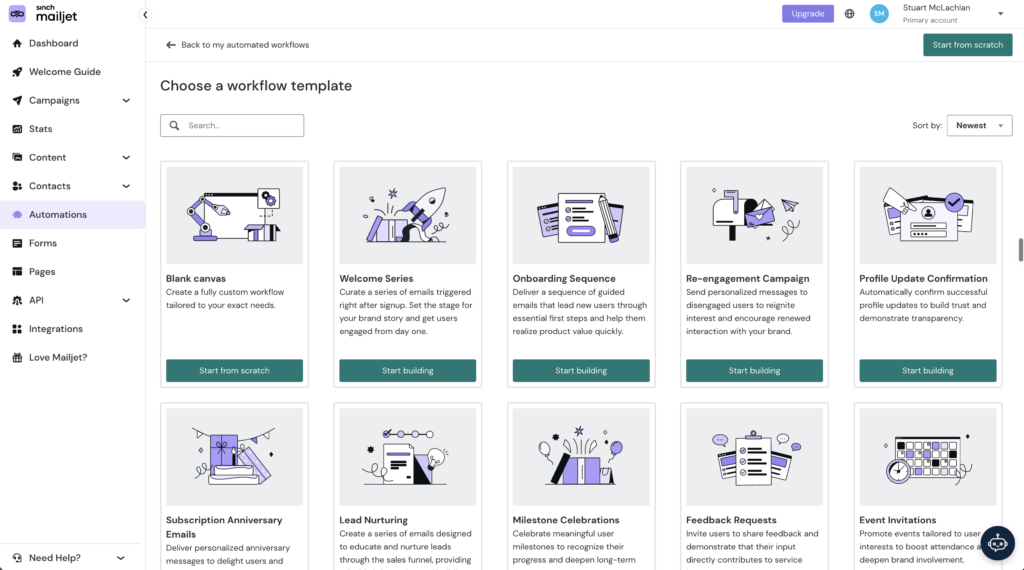
Mailjet is built for businesses whose newsletter has become one part of a bigger email program. You pay for the emails you send, and contacts are unlimited from the Essential plan upward. So a list that doubles doesn’t change the bill – only sending more does.
Marketing and transactional email run on the same platform, with a send API and SMTP relay on every plan. Across both, Mailjet delivers 98% of the emails it sends.
Startup campus Station F sends one or two newsletters a week alongside around 3,000 transactional emails a day. Its team says running both from one platform makes every send easier to manage and track.
One reviewer on Capterra singled out how well Mailjet connects with the tools around it.
It integrates smoothly with membership sites and tools, making it easier to attract quality subscribers.
Alexander B., Senior Substation Engineer
Mailjet Capterra review, September 2025
Mailjet pricing
Free: 6,000 emails a month, up to 1,000 contacts, no credit card required
Starter: $9/month for 8,000 emails and 2,000 contacts
Essential: $19/month for 15,000 emails, with unlimited contacts
Premium: $29/month for 15,000 emails, adding automations, landing pages, and team access
ℹ️ Worth knowing: Mailjet is an email specialist, so look elsewhere if you need SMS or a CRM in the same tool. Kit’s free plan allows more subscribers, but it has no transactional email API or SMTP relay. Mailjet’s Free plan includes both, plus webhooks, from day one.
Best for a like-for-like switch: MailerLite
MailerLite is the closest match to Kit on this list. It combines newsletters, landing pages, signup forms, automations, and digital product sales, so most of what you’ve built in Kit has an equivalent.
If you want a straight swap, it’s a strong option for creators and small businesses who like a simple editor. But if your business is already growing fast, a near-copy of Kit may leave you with the same limitations you’re trying to escape. Paid plans add an AI writing assistant and a subscriber preference center, and Power removes the email limit and adds unlimited seats.
A publisher who moved from Kit to MailerLite said on Capterra that rising prices drove the switch, and praised MailerLite’s templates. Their one complaint shows how subscriber pricing lands on someone who rarely emails.
Because I’m an infrequent emailer, I’d love an option to pay for each newsletter campaign sent instead of a flat monthly fee per subscriber.
Katherine H., Owner
MailerLite Capterra review, January 2026
MailerLite pricing
Free: Up to 250 subscribers and 2,500 emails a month, two user seats
Comfort: $12/month for up to 500 subscribers, 5,000 emails, and three seats
Power: $25/month for up to 500 subscribers, unlimited emails, and unlimited seats
ℹ️ Worth knowing: MailerLite also prices by subscriber, so a growing list raises the bill much as it does on Kit. Reviewers describe its automation and reporting as less advanced than on specialist platforms, which shows once you build more complex customer journeys. For more options, see our MailerLite alternatives.
Best for newsletter growth and monetization: beehiiv
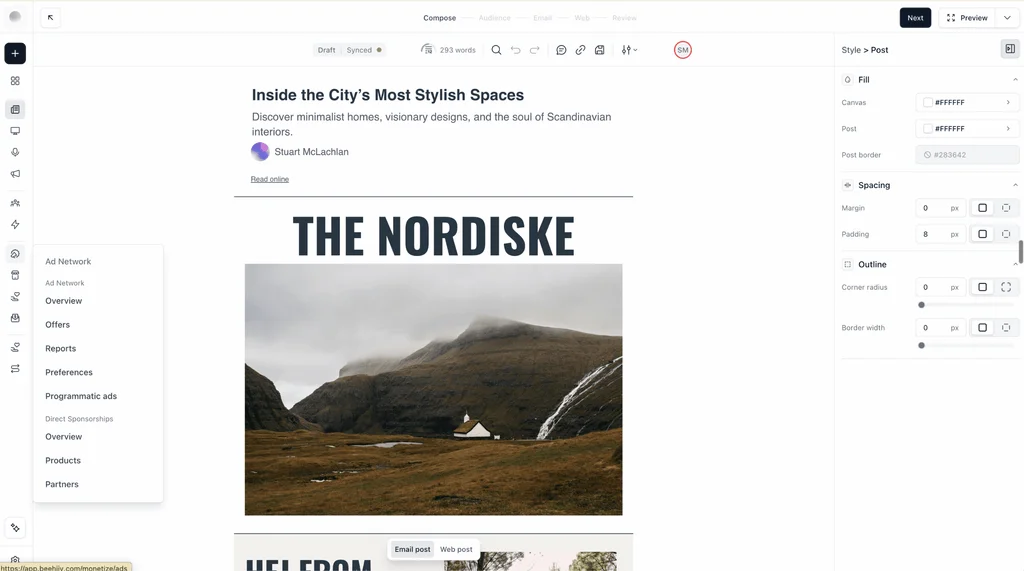
The beehiiv platform treats a newsletter as a publication. It combines writing, sending, a hosted website, and growth tools such as referrals and recommendations in one place.
That makes it the natural pick for writers and publishers whose newsletter is the product itself, and who want it to earn money directly. Paid plans add an ad network and paid subscriptions, with no take rate on subscription revenue from Scale upward.
A founder reviewing it on Capterra was clear about where it shines, while noting that its automation is lighter than on dedicated email platforms.
It’s especially strong if your goal is audience growth and monetization, not just sending emails.
Gabby W., Founder
beehiiv Capterra review, April 2026
beehiiv pricing
Launch: Free for up to 2,500 subscribers, one team member
Scale: $49/month for up to 1,000 subscribers, up to three team members
Max: $109/month for up to 1,000 subscribers, unlimited seats
ℹ️ Worth knowing: Prices rise with your subscriber count, and the free Launch plan has no automations. It’s a publishing platform first, so it suits a media-style newsletter better than a business that also needs transactional email or deeper marketing automation.
Best for writers who want built-in discovery: Substack
Substack is a publishing network as much as an email tool. Readers can find newsletters through its app, recommendations, and discovery pages, which helps new writers reach an audience.
Every post you publish can go out as an email to your subscribers. You can add welcome emails and simple drip sequences, send one-off emails to selected segments, and adjust email styling with custom CSS.
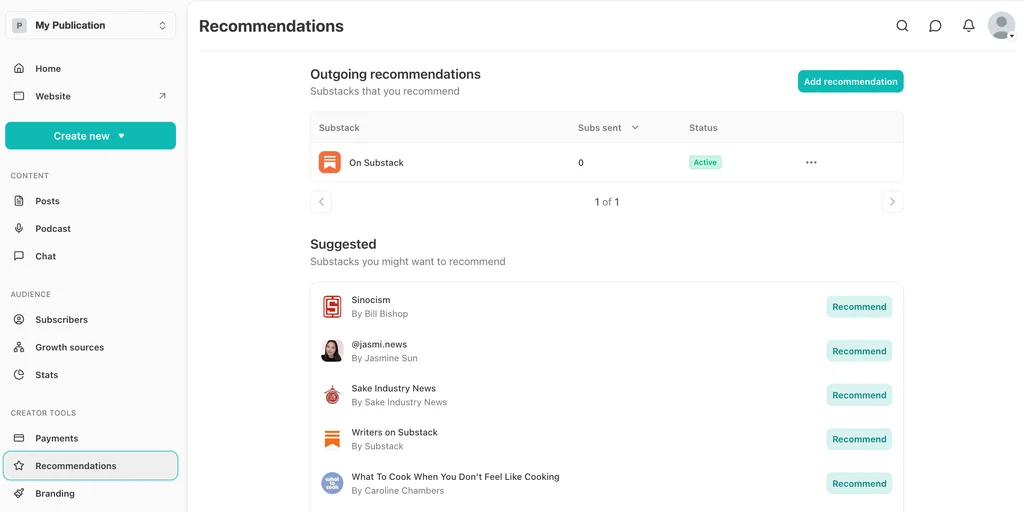
It’s free to start, and Substack earns only when you do. It keeps 10% of paid subscription revenue, plus card fees. The trade-off is that it’s built around publishing posts rather than running marketing campaigns.
Substack pricing
Free: Publish a newsletter at no cost
Paid subscriptions: Substack keeps 10% of revenue, plus card processing fees
ℹ️ Worth knowing: Substack suits writers selling subscriptions more than businesses sending campaigns. If your newsletter supports a product or service, a marketing platform gives you more control over what you send and to whom.
Best for design-led creators: Flodesk
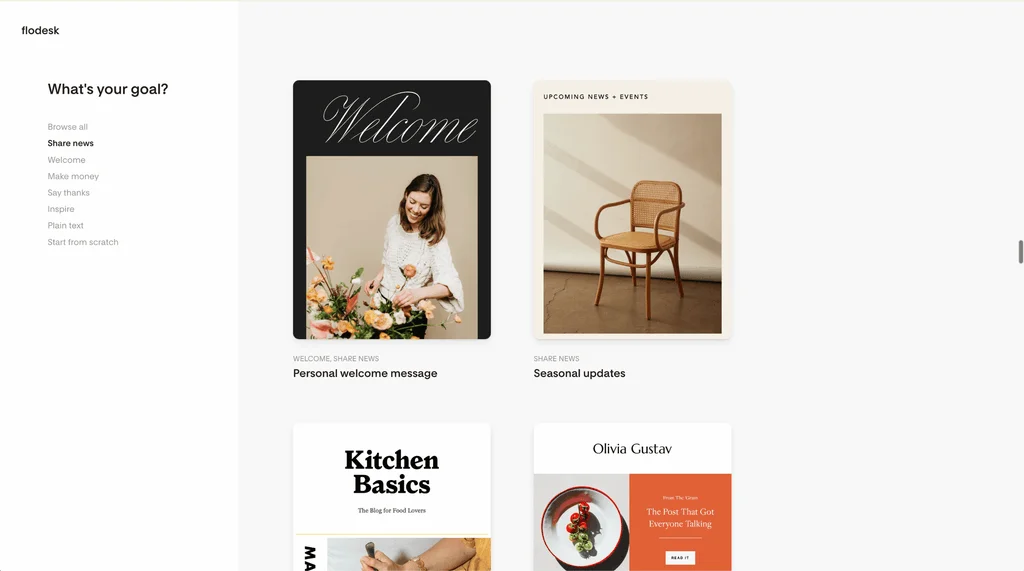
Flodesk is known for polished templates and a design-first editor, and it comes up often in discussions about Kit. Plans also include forms and landing pages, and the Everything plan adds checkouts and sales pages.
Flodesk used to charge one flat price however large your list grew. That plan closed to new members on December 2, 2025, and pricing now scales with active subscribers, much like Kit’s. Unsubscribes and bounces don’t count toward your total.
That makes it a strong alternative if design matters most to you and you want an editor that makes good-looking emails quick to produce.
Flodesk pricing
Free: Forms, landing pages, and link-in-bio pages, with no email sending
Lite: $25/month for up to 1,000 subscribers, unlimited sends, one seat
Pro: $28/month for up to 1,000 subscribers, unlimited workflows, two seats
Everything: $54/month for up to 1,000 subscribers, adding checkouts and sales pages, three seats
ℹ️ Worth knowing: The Lite plan includes a single workflow as a limited-time bonus, so automation really starts at Pro. Older advice recommending Flodesk for its flat rate no longer applies to new accounts.
Best for all-round small business marketing: Mailchimp
Mailchimp is the platform many small businesses start with, and it’s a common comparison point for Kit users. For a creator moving into wider small business marketing, it’s a broad and familiar toolkit.
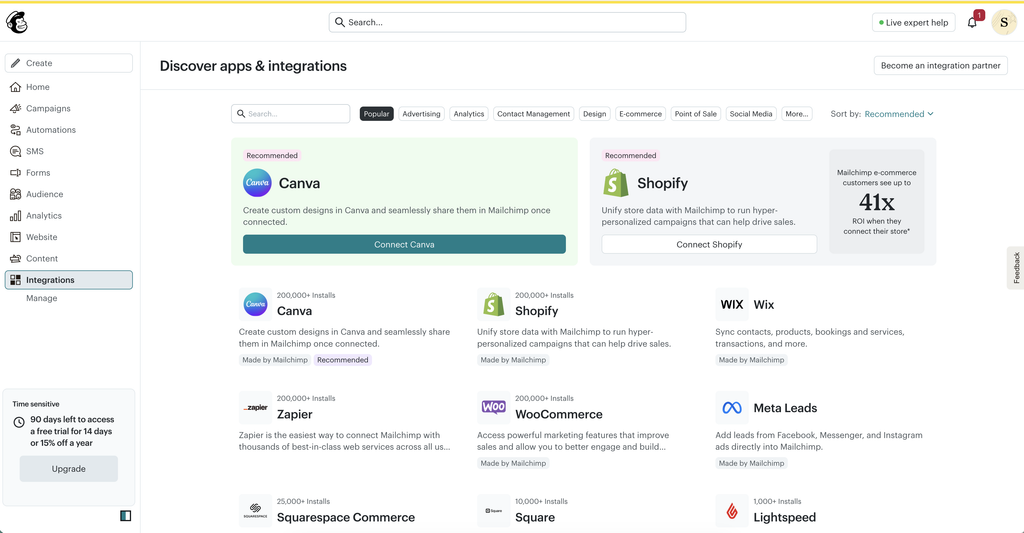
Its main draw is reach into the rest of your stack. A directory of more than 300 integrations covers tools like Shopify, WooCommerce, Canva, and Zapier, alongside templates and automation flows.
But there are questions about where Mailchimp is heading. In May 2026, its owner Intuit announced it was cutting 17% of its workforce. It also said it was scaling back investment in several areas, Mailchimp among them, as MediaPost reported.
Mailchimp pricing
Free: Up to 250 contacts and 500 emails a month, one seat
Essentials: From $13/month for up to 500 contacts and 5,000 emails a month, three seats
Standard: From $20/month for up to 500 contacts, adding automation flows and five seats
ℹ️ Worth knowing: Automation flows start on Standard, and every plan caps seats, from one on Free to five on Standard. Pricing is based on contacts, and the free plan is not very generous. Compare the two platforms directly in Mailjet vs Mailchimp, or see our Mailchimp alternatives.
Best for ecommerce data and segmentation: Klaviyo
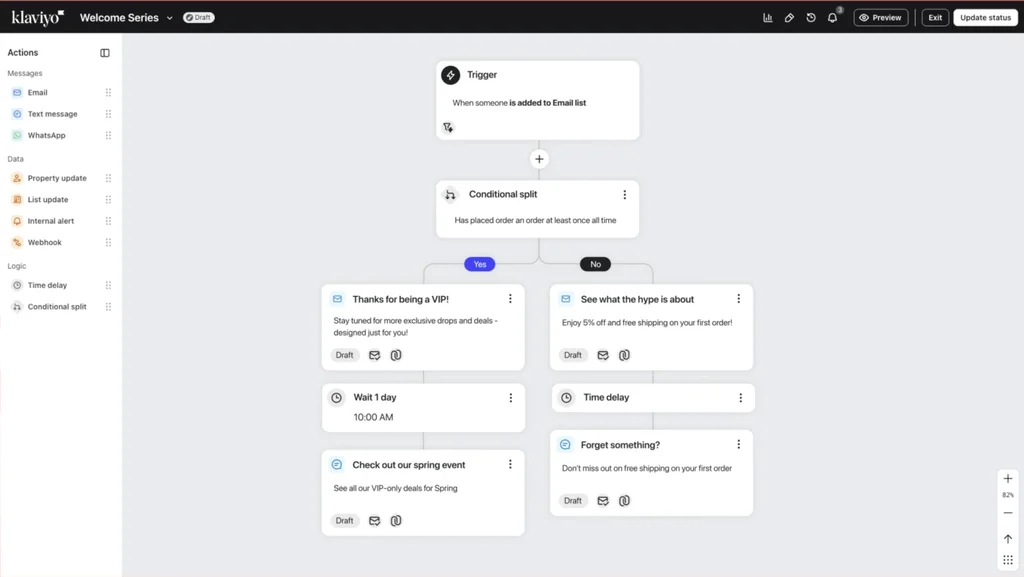
Klaviyo is built around store data. It pulls in orders, browsing, and product catalogs from platforms like Shopify, then uses them to segment customers and trigger automated flows.
If your newsletter now sits alongside an online store, that data is the reason to choose it. An apparel founder on Capterra described what it changed for shoppers who left items in their cart.
Now, those automated flows catch them within an hour and show photos of exactly what they left behind.
Ana N., Founder
Klaviyo Capterra review, September 2026
Klaviyo pricing
Free: Up to 250 active profiles and 500 emails a month
Email: From $20/month for 500 active profiles and 5,000 emails
ℹ️ Worth knowing: Klaviyo prices on active profiles, and reviewers often mention how quickly the bill rises with the list. It’s designed for ecommerce, so it suits stores and the agencies that run their email. It’s a weaker fit for publishers, SaaS companies, and other B2B businesses.
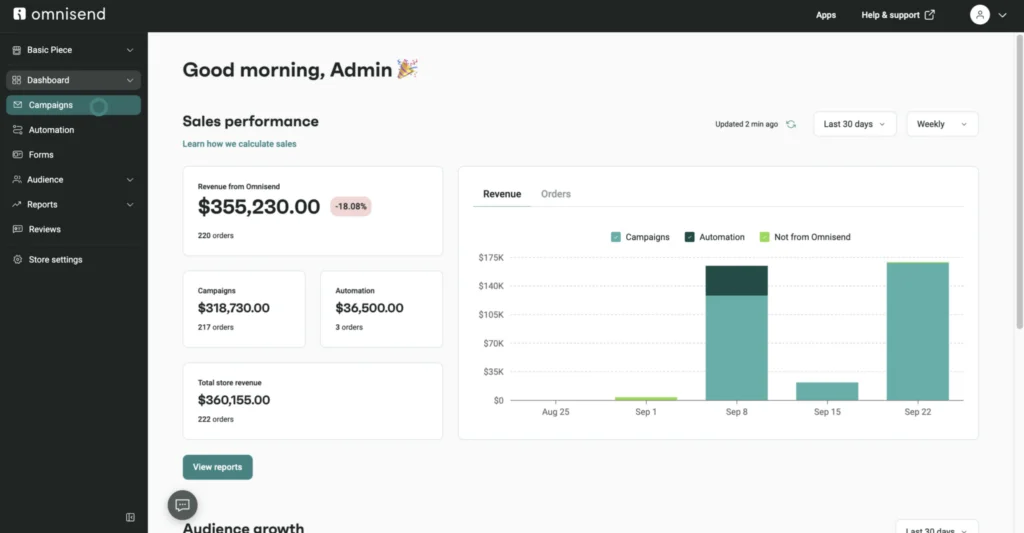
Best for email plus SMS for smaller stores: Omnisend
Omnisend gives online stores email and SMS in one place, with ready-made automations for abandoned carts, product browsing, and post-purchase follow-ups. Its campaign builder drops products straight into your emails.
It’s a lighter-weight route into ecommerce email than Klaviyo, and its entry plan costs less. If your business is built around a newsletter rather than a shop, though, it’s likely more than you need.
Omnisend pricing
Free: Up to 250 contacts and 500 emails a month
Standard: $16/month for 500 contacts and 6,000 emails
Pro: $59/month for 2,500 contacts and unlimited emails
ℹ️ Worth knowing: Most of its templates, forms, and automations assume you sell products online, and it also collects product reviews for your store. SMS runs on credits paid for separately, and the headline price includes a three-month introductory discount. Our Omnisend alternatives guide goes deeper.
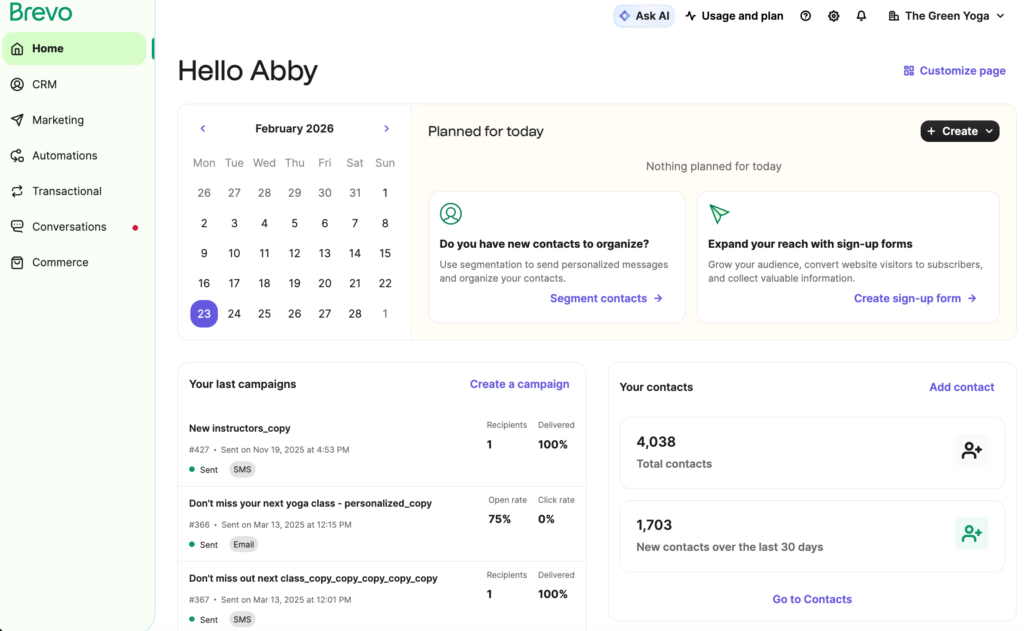
Best for email, SMS, and WhatsApp in one place: Brevo
Brevo, formerly Sendinblue, combines email with SMS, WhatsApp, and a CRM. Like Mailjet, it prices on the emails you send and includes transactional email on every plan.
That makes it a strong fit if your business needs several channels, not just a newsletter. But its lower tiers come with limits a growing business can hit. On Starter and Standard, the number of contacts you can store depends on the email volume you buy. A list of 3,000 contacts already needs the 20,000 email tier.
Reviewers also find its email editor rigid once they want a more custom design.
Brevo pricing
Free: 300 emails a day
Starter: $9/month for 5,000 emails and 500 contacts
Standard: $18/month for 5,000 emails, adding automation and A/B testing
ℹ️ Worth knowing: Watch for hidden costs. Removing the “Sent with Brevo” footer is a paid add-on on Starter, at $12 a month on monthly billing. Standard includes one marketing seat, with up to two more at $12 a month each. See our Brevo alternatives or compare Mailjet vs Brevo.
Pricing came up in almost every entry above, so it’s worth seeing how the two main models compare in practice.
What does a growing list really cost?
Kit, MailerLite, beehiiv, Flodesk, Mailchimp, and Klaviyo all price mainly on the size of your list. Mailjet and Brevo price on the emails you send. Neither model is cheaper in every case, and the difference comes down to how often you email.
Take a list of 15,000 subscribers. It’s a relevant comparison, since that’s past most free plans, including Kit’s and Mailjet’s. Here’s the monthly cost of the first plan on each that includes automations: Kit Creator and Mailjet Premium.
How often you email
Emails a month
Kit Creator
Mailjet Premium
Once a month
15,000
$169
$29
Twice a month
30,000
$169
$59
Every week
About 65,000
$169
$112
Every day
About 450,000
$169
$499
If you email a large list a few times a month, send-based pricing costs far less. If you email it every day, Kit’s model is likely to work out cheaper, because it never caps how much you send.
Send volume isn’t the only thing to weigh, though. Each step up a plan also adds features, so compare what you get at each price as well as what it costs. On Mailjet, Premium brings automations, landing pages, and team access, while Kit keeps deliverability reporting and unlimited users for Pro. Check your own numbers against Mailjet pricing before you decide.
Once you know which model suits your sending, the practical question is how to move.
How to switch from Kit
A switch goes smoothly when you do things in the right order.
Export your subscribers with their tags and custom fields. Tags usually become segments or contact properties on your new platform.
Import your unsubscribes as well. Load them as suppressed contacts, so people who opted out stay opted out.
Authenticate your sending domain first. Add the SPF, DKIM, and DMARC records your new platform provides before your first campaign.
Rebuild your sequences and automations. Automations don’t transfer between platforms, so note every sequence and its triggers before you cancel Kit.
Replace your forms and landing pages. Swap Kit’s embed codes on your site for the new platform’s forms.
Start with your most engaged readers. Send the first campaigns to people who open regularly, then widen the audience. Strong early engagement helps mailbox providers trust your new sending setup, which protects your deliverability.
With the move planned, here are the questions people ask most about Kit and its alternatives.
Frequently asked questions
Flodesk is a popular alternative, but which is better depends on what matters most to you. Flodesk leads on email design and templates, while Kit offers deeper tagging, automation, and creator commerce. For new customers, both now price by subscriber count.
For many creators, MailerLite covers the same ground with a lower-priced first paid plan and a simpler editor. Kit goes further on automation and on selling digital products. Both price by subscriber, so functionality is likely to decide it for you.
Kit is built for creators, with simple automations and tools for selling digital products. Mailchimp suits small businesses that want a broad marketing toolkit and hundreds of integrations. Both charge more as your list grows.
There’s no single top three, because the right tool depends on what you send. For people leaving Kit, three strong starting points are Mailjet, MailerLite, and beehiiv. They suit marketing and transactional email for growing businesses, a like-for-like switch, and newsletters that earn money, in that order.
Yes, for sending newsletters. The free plan covers up to 10,000 subscribers with unlimited broadcasts. It has no visual automations or email sequences and allows one user, so a welcome series or a second login means a paid plan.
That depends on why you’re leaving. If your newsletter is now part of a wider business that needs marketing and transactional email, look at Mailjet. For a like-for-like creator switch, try MailerLite, and for a paid newsletter, beehiiv or Substack.
It is if your newsletter has become part of a business. Mailjet prices on the emails you send, with unlimited contacts from Essential, and handles marketing and transactional email in one platform. Premium adds automations and team access for any number of people. It doesn’t offer creator tools such as paid newsletters or tips.
Yes. ConvertKit now trades as Kit, and it’s the same company and product. That’s why guides to ConvertKit alternatives and Kit alternatives cover the same platforms.
Choosing your ConvertKit alternative
To make the right choice, start with what Kit no longer gives you. Ask yourself why you’re leaving, or what made you look for an alternative in the first place. If you want to earn from your newsletter directly, beehiiv and Substack are built for it. If you want Kit’s approach with a lower first paid plan, MailerLite is the closest match.
And if your newsletter has become part of a wider business, choose a platform like Mailjet. It’s built for a growing list, a growing team, and transactional email to send. TYPO3 sends its newsletters and event invites through Mailjet. French business daily La Tribune replaced several tools with it and now sends around four million emails a month.