MailerLite built its name on the "Lite": Simple tools at a price small businesses could live with. That still wins it plenty of fans. But in 2026 its free plan shrank for the second time in nine months. And businesses that need transactional email, like receipts and password resets, still need a second product. Which MailerLite alternatives handle a growing contact list, and every type of email you send, from one account?
MailerLite is a big name in email marketing, for good reasons. Its editor is clean, its landing pages and websites are easy to build, and its support team earns glowing reviews. On Capterra, it holds 4.7 out of 5 from more than 2,300 reviews.
The reasons to look elsewhere tend to arrive with growth. Your bill increases with the size of your contact list, not how often you email it. Transactional email lives in a separate product with its own plan. And automation and reporting can feel light once your campaigns get more ambitious.
This guide compares 10 MailerLite alternatives on those points: Mailjet, Brevo, Moosend, Kit, Mailchimp, ActiveCampaign, Omnisend, GetResponse, Flodesk, and Constant Contact. For each one, you’ll see its strengths, its limits, and its entry price.
Why do people look for a MailerLite alternative?
First, what MailerLite gets right. Every plan includes its core features, from A/B testing and dynamic content to a website builder and digital product sales. The limits vary by plan. Reviewers praise how quickly they get started, and many single out the support team. For a newsletter or a small online business, it’s a sensible place to begin.
The reasons people switch show up as that business grows.
Your subscriber count sets the price
MailerLite prices its paid plans by the number of active subscribers in your account. According to its pricing FAQ, the count is cumulative across each billing cycle. Anyone active at any point that month counts, even if you delete them before the bill.
Price increases come with the size of your list, not the amount you send. On the Comfort plan, 1,000 subscribers cost $19 a month and 10,000 cost $89. That’s true whether you email them once a month or every week.
Transactional email is a separate product
MailerLite handles marketing email. Order confirmations, password resets, and other transactional messages go through MailerSend, a separate product with its own account and plan. MailerSend’s paid plans start at $7 a month for 5,000 emails.
So a business that sends both types of email pays two bills and manages two dashboards. Templates, suppression lists, and statistics live in two places. That means more admin, more switching between tools, and no single view of how your email performs.
Automation and reporting stay simple
MailerLite’s automation builder is easy to use, and that’s the point. Reviewers who outgrow it usually want branching journeys and deeper reporting.
There are more powerful tools available for complex marketing automation, but for day-to-day email campaigns it works very well.
Ehsan A., Senior CRM Specialist
MailerLite Capterra review, September 2026
The free plan has shrunk
According to MailerLite’s help center, the free plan changed on June 16, 2026. It went from 500 to 250 active subscribers, and from 12,000 to 2,500 emails a month. That followed a cut from 1,000 to 500 subscribers in September 2025, which users discussed on Reddit. MailerLite also opened up more features to free users, including custom templates and a second seat. Features like automations stay limited, though, so the free plan works best as a way to try before you buy.
Which of these reasons applies to you shapes what to look for next.
What should you look for in a MailerLite alternative?
Your reason for looking tells you which of these points matter most. Use them to test each option.
Channels. Some teams only need email. Others want SMS, WhatsApp, or a CRM in the same place, and that decision removes half the list straight away.
What the price is based on. A platform can bill on the subscribers you store or on the emails you send. Estimate which number will climb faster for you over the next year.
One product or two. If your store or app sends receipts and password resets, check whether those need a separate product. That usually means a second bill and dashboard.
How far automation goes. Every option here runs a welcome series. Fewer handle journeys that branch on what each subscriber does.
Seats for your team. List everyone who needs a login, then check how many seats the plan includes and what extras cost.
Website and selling tools. MailerLite includes a website builder and digital product sales. If you rely on them, make sure your new platform does too, or budget for a separate tool.
Once you know what matters, the table below lines the 10 options up side by side.
MailerLite competitors at a glance
Platform
Best for
Free plan
Paid plans from
Priced on
Transactional email
Mailjet
Marketing and transactional email for growing businesses
6,000 emails/mo, 1,000 contacts
$9/mo for 8,000 emails and 2,000 contacts
Emails sent (unlimited contacts from Essential)
Included
Brevo
Email, SMS, and WhatsApp together
300 emails/day
$9/mo for 5,000 emails and 500 contacts
Emails sent, with contact caps on lower tiers
Included
Moosend
Unlimited sending on simple plans
None (30-day trial)
$9/mo for 500 subscribers
Subscribers
Moosend+ add-on or Enterprise
Kit
Creators and paid newsletters
Up to 10,000 subscribers
$39/mo for 1,000 subscribers
Subscribers
Not included
Mailchimp
Integrations and all-round marketing
500 emails/mo, 250 contacts
$13/mo for 500 contacts
Contacts
Add-on to Standard and Premium plans
ActiveCampaign
Advanced automation
None (14-day trial)
$15/mo for 1,000 contacts, billed annually
Contacts
Separate product (Postmark)
Omnisend
Ecommerce email and SMS
500 emails/mo, 250 contacts
$16/mo for 500 contacts
Contacts
Order and shipping emails through automations
GetResponse
Webinars and sales funnels
2,500 emails/mo, 500 contacts
$19/mo for 1,000 contacts
Contacts
Enterprise plan only
Flodesk
Design-first brands
Forms and landing pages, no email sending
$25/mo for 1,000 subscribers
Active subscribers
Not included
Constant Contact
Events and local businesses
None (free trial)
$12/mo for up to 500 contacts
Contacts
Not included
MailerLite (for reference)
–
2,500 emails/mo, 250 subscribers
$12/mo for 500 subscribers
Active subscribers
Separate product (MailerSend)
Prices show each platform’s entry tier in USD, billed monthly unless the table says otherwise. Every platform’s price rises with your contact list or your sending volume, so the entries below look at fit as well as price.
The best alternatives to MailerLite
Each entry starts with what the platform is built for, then how it fits a MailerLite user and what it costs.
Best for marketing and transactional email for growing businesses: Mailjet
Your price is based on the emails you send, not the size of your audience. Contacts are unlimited from the Essential plan upward, and one monthly email allowance covers marketing and transactional sends together. Teams can grow without paying per seat, too. The Premium plan includes account sharing for unlimited users, and editors can build an email together with real-time collaboration.
I find Mailjet valuable for solving the friction between marketing and development teams while ensuring high email deliverability.
Joseph A., Marketing Manager
Mailjet G2 review, January 2026
Mailjet delivers 98% of the emails it sends, and customer data is hosted in the EU. Larger senders can move to a Custom plan with a dedicated technical account manager and deliverability services.
Mailjet pricing
Free: Up to 1,000 contacts and 6,000 emails a month, no credit card needed
Starter: 2,000 contacts and 8,000 emails for $9 a month
Essential: Unlimited contacts, segmentation, and 15,000 emails for $19 a month
Premium: Automations, A/B testing, landing pages, and team management, at $29 a month for 15,000 emails
Custom: Quoted plans for high-volume senders
ℹ️ Worth knowing: Mailjet is an email specialist, so there’s no SMS, WhatsApp, or CRM in the same tool. MailerLite’s website builder and digital product sales have no direct equivalent here, either.
Automations, A/B testing, and landing pages start on Premium. MailerLite includes those on every paid plan, though in limited quantities. In return, Mailjet offers a single plan covering your newsletters and transactional email, so you won’t need a second product as you grow.
Best for email, SMS, and WhatsApp together: Brevo
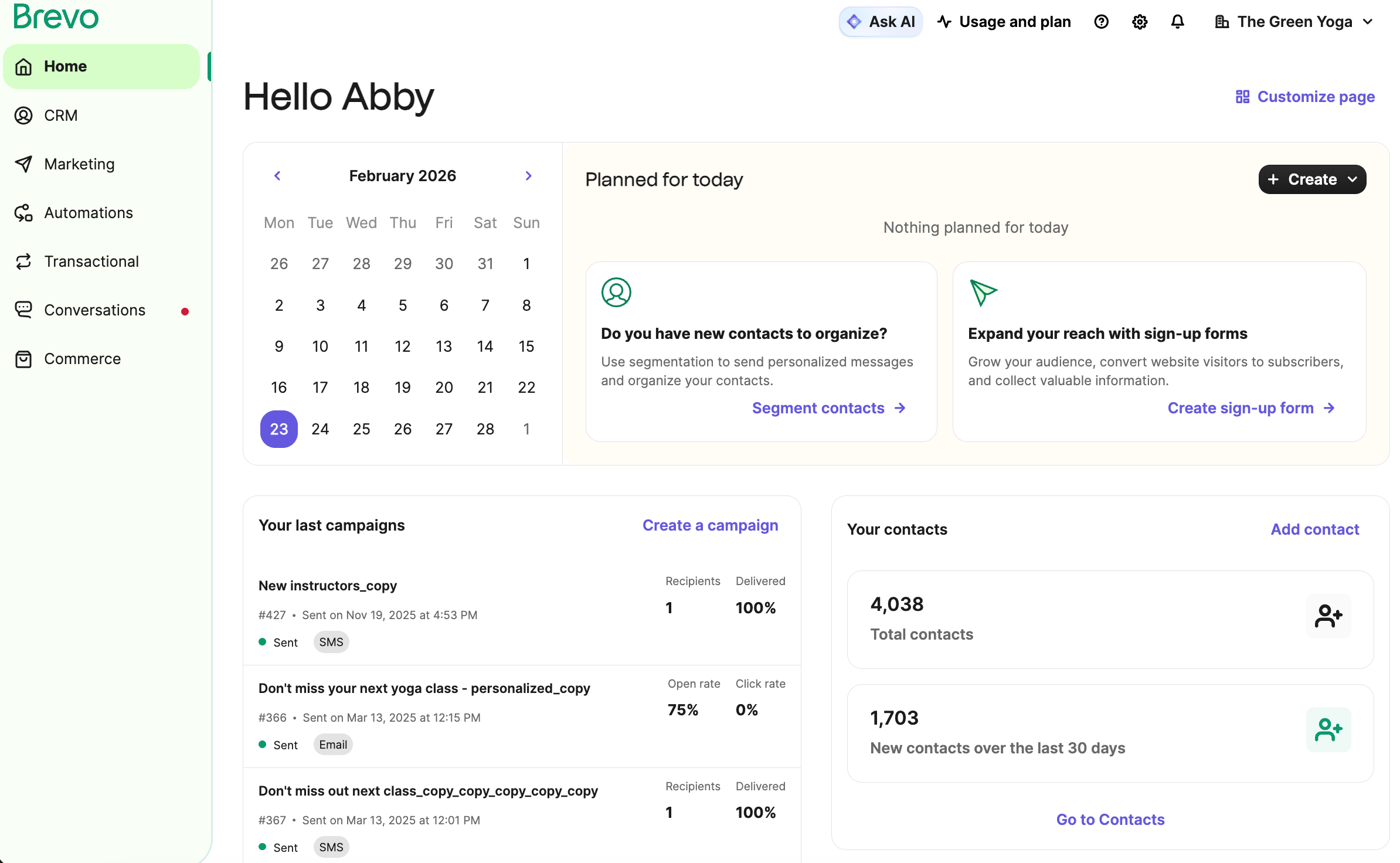
Brevo, which used to be called Sendinblue, combines email with SMS, WhatsApp, live chat, and a free CRM. Transactional email comes with every plan, so it also covers receipts and notifications from one account.
Like Mailjet, Brevo charges for the emails you send rather than the subscribers you store. That’s a big part of why it comes up so often in online discussions about MailerLite. Its lower tiers still limit stored contacts by volume, though. Starter at 5,000 emails allows 500 contacts, and 15,000 emails allows 2,500.
For teams, collaboration is expensive. Multi-user login access is restricted to the high-tier Professional and Enterprise plans…
Eduardo R., Executive Producer
Brevo G2 review, July 2025
Brevo pricing
Free: 300 emails a day to up to 100,000 contacts
Starter: $9 a month for 5,000 emails and 500 contacts
Standard: $18 a month for 5,000 emails, with automation and A/B testing
Professional: From $499 a month for 150,000 emails, with multi-user access
ℹ️ Worth knowing: The Standard plan allows up to three marketing seats, but you pay $12 a month for each extra one. If you want full team access, you need to upgrade to Professional. Our Brevo alternatives guide covers the trade-offs in more depth.
Best for unlimited sending on simple plans: Moosend
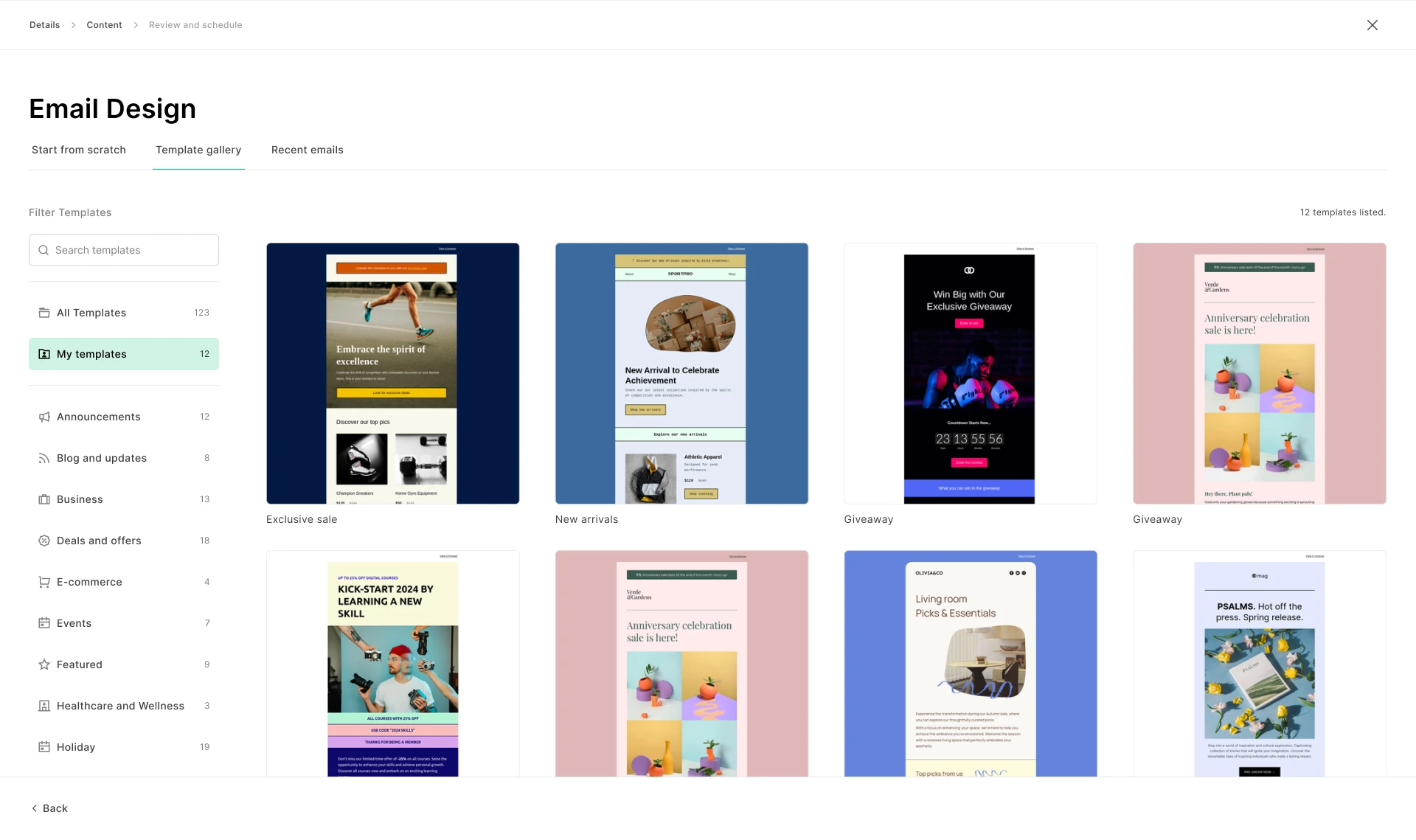
Moosend feels familiar to MailerLite users. It has a drag-and-drop editor, ready-made automation recipes, landing pages, and forms, all in a tidy interface. Its Pro plan includes unlimited email sends at every list size, so frequent senders never hit a monthly cap.
Pricing still follows your subscriber count, much like MailerLite’s. Pro costs $16 a month for 1,000 subscribers and $88 for 10,000. There’s no free plan, but a 30-day trial includes unlimited sends for up to 1,000 contacts. Occasional senders can also buy email credits that never expire.
Moosend pricing
Free: No free plan, 30-day trial
Pro: $9 a month for 500 subscribers, with unlimited emails and five team members
Moosend+: A custom plan that adds options such as transactional email and a dedicated IP
Enterprise: Custom pricing, with transactional email and an account manager included
ℹ️ Worth knowing: Moosend’s pricing page notes that it’s now a Constant Contact company, so two of the options on this list share an owner. Transactional email isn’t part of Pro, so sending receipts means moving to Moosend+ or Enterprise. See our Moosend alternatives for similar tools.
Best for creators and paid newsletters: Kit
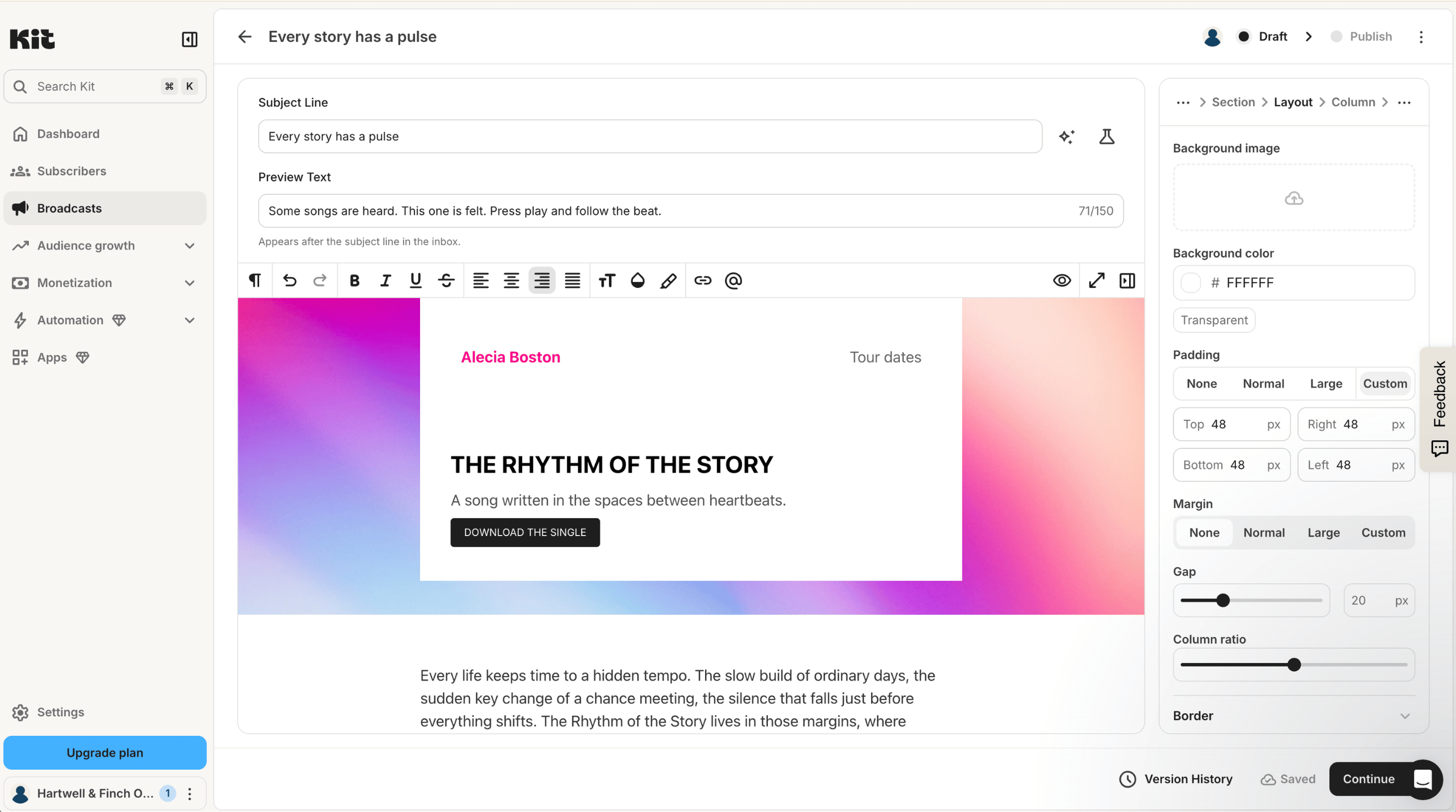
Kit, previously ConvertKit, is designed around creators who earn from their audience. Alongside email, it sells digital products, paid newsletters, and tips, and its recommendation network helps writers grow their lists. Every plan comes without sending limits.
For a MailerLite user, the model will feel familiar. Kit also bills by subscriber, and its paid plans start at a higher price. The free plan covers up to 10,000 subscribers, but visual automations, sequences, and integrations need a paid plan.
Reporting is pretty basic and the landing page templates feel dated. Pricing climbs fast as your subscriber list grows.
Wren W., Owner and Operator
Kit Capterra review, June 2026
Kit pricing
Free: Up to 10,000 subscribers and one user, without visual automations or sequences
Creator: $39 a month for 1,000 subscribers and two users
Pro: $79 a month for 1,000 subscribers, with unlimited users and deliverability reports
ℹ️ Worth knowing: Kit is built for marketing email, with no transactional product, so order confirmations need a separate tool. Its sales also carry a fee of 3.5% plus 30 cents. Our Kit alternatives guide goes further into newsletter tools.
Best for integrations and all-round marketing: Mailchimp
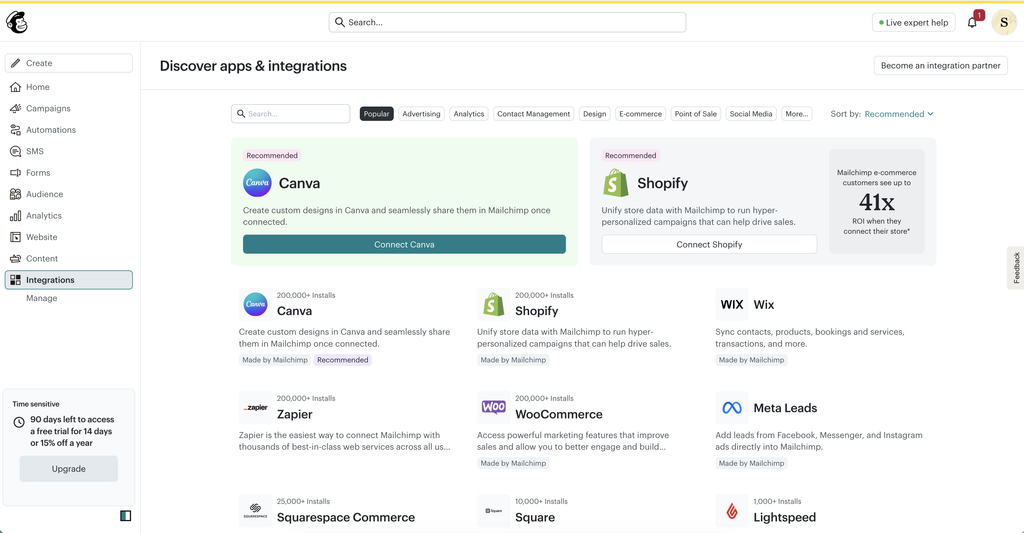
Mailchimp is the name most small businesses know. It connects to a long list of apps, and its plans cover email, SMS, landing pages, and detailed reporting. If your business depends on a particular integration, it’s worth checking the Mailchimp Marketplace first.
It won’t fix a pricing complaint, though. Mailchimp also prices by contacts, and unsubscribed contacts count toward the total unless you archive them. Its free plan is now 250 contacts and 500 emails a month, which leaves little room to grow. That’s the same contact limit as MailerLite’s.
Mailchimp pricing
Free: 250 contacts and 500 emails a month, with no automation flows
Essentials: $13 a month for 500 contacts and three seats
Standard: $20 a month for 500 contacts, with fuller automation and five seats
Premium: From $350 a month for up to 10,000 contacts, with unlimited users
ℹ️ Worth knowing: Mailchimp Transactional, formerly Mandrill, is an add-on for Standard and Premium, sold in blocks of 25,000 emails. The product’s future is also less certain. In May 2026, parent company Intuit said it is reducing its investment in Mailchimp and running it for profitability. Our Mailchimp alternatives guide compares it with 10 other tools.
Best for advanced automation: ActiveCampaign
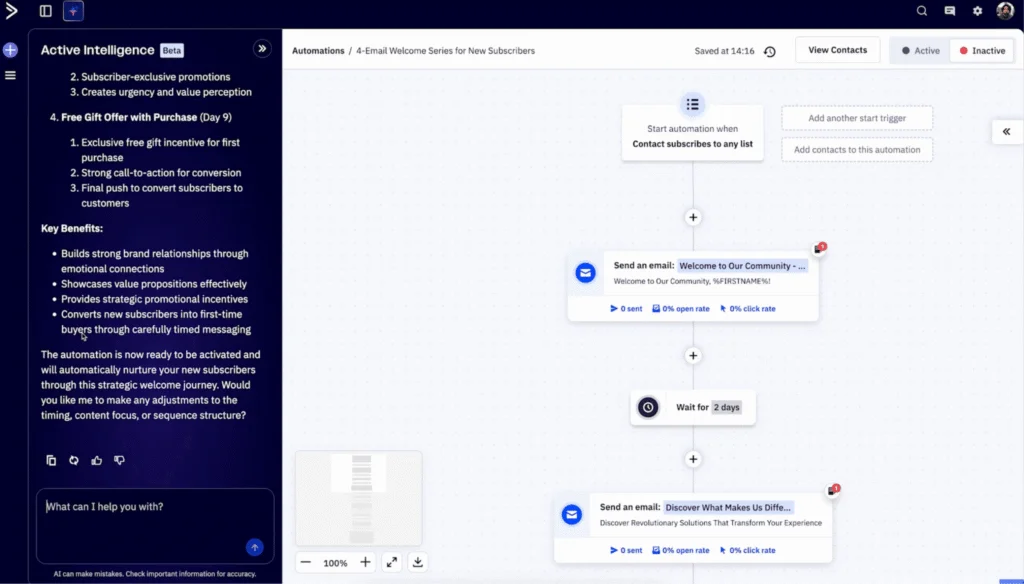
ActiveCampaign is the natural step up when MailerLite’s automation feels limiting. Its builder creates branching journeys triggered by site visits, purchases, and custom events, and higher plans connect to a sales CRM. Content can change depending on who opens the email.
That depth takes time to learn and costs more as your list grows. A five-year user on Capterra praised how it “combines contact management with artificial intelligence for truly easy use.” They also noted it “is undoubtedly a little expensive once the number of contacts becomes significant.”
ActiveCampaign pricing
Free: No free plan, 14-day trial
Starter: $15 a month for 1,000 contacts and one user, billed annually
Plus: $49 a month billed annually, adding landing pages and segmentation
Pro: $79 a month billed annually, with advanced segmentation and three users
ℹ️ Worth knowing: The Starter plan limits each automation to five actions, so it’s designed for simple workflows. Transactional email runs through Postmark, which ActiveCampaign owns and sells separately, so receipts mean a second account and a second bill. See our ActiveCampaign alternatives for comparable options.
Best for ecommerce email and SMS: Omnisend
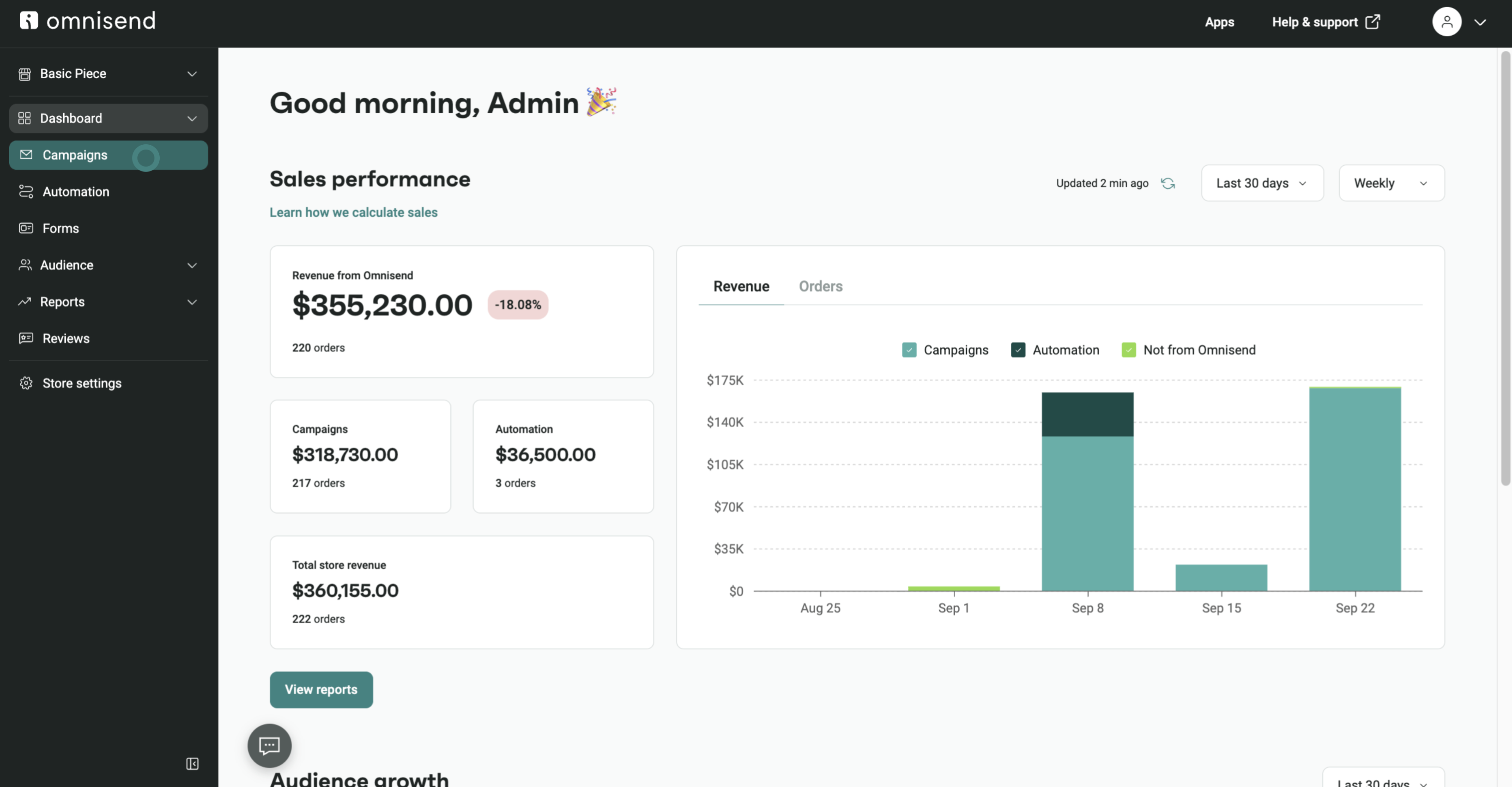
Omnisend is made for online stores. It plugs into Shopify and WooCommerce, drops products straight into emails, and ships with prebuilt flows for abandoned carts and repeat purchases. SMS runs in the same workflows as email.
MailerLite has ecommerce triggers, but a store with a large catalog will get more from a specialist tool like Omnisend. Pricing is by contacts, so the bill grows with your customer list.
Omnisend pricing
Free: 250 contacts and 500 emails a month
Standard: $16 a month for 500 contacts and 6,000 emails
Pro: $59 a month for 2,500 contacts, with unlimited emails
ℹ️ Worth knowing: SMS uses paid credits, and new accounts start on a three-month introductory discount, so check the regular price to avoid surprises. Our Omnisend alternatives guide covers other store-focused tools.
Best for webinars and sales funnels: GetResponse
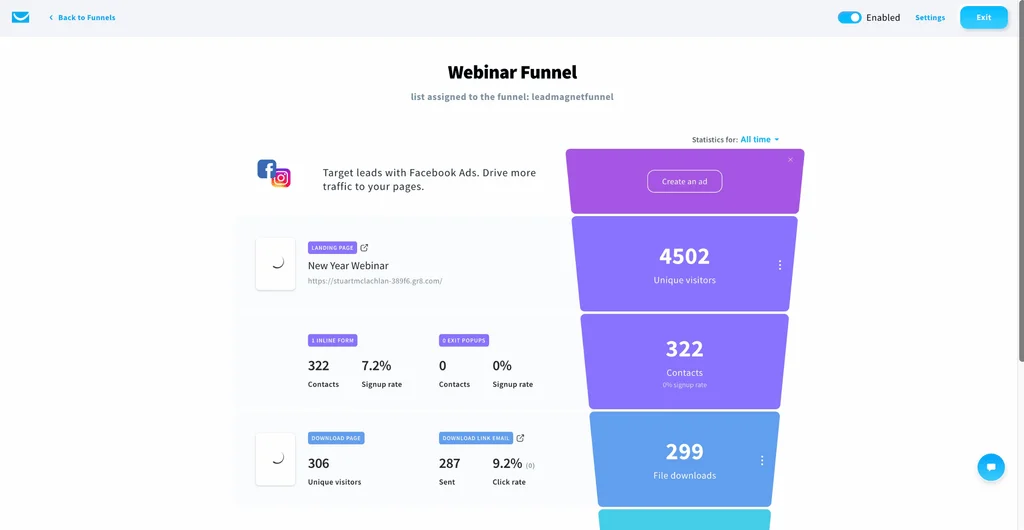
GetResponse goes beyond newsletters. Its higher plans add sales funnels, abandoned cart recovery, webinars, a course creator, and premium newsletter subscriptions. That suits businesses that nurture leads toward a sale, whether they sell courses, services, or products online.
Every plan includes unlimited monthly sends, and pricing is set by list size. The entry Starter plan allows only one custom automation workflow, so most of the funnel tools start on the Marketer plan.
GetResponse pricing
Free: 500 contacts and 2,500 emails a month, with premium features for the first 14 days
Starter: $19 a month for 1,000 contacts, with one automation workflow
Marketer: $59 a month for 1,000 contacts, with unlimited workflows, segmentation, and sales funnels
Creator: $69 a month for 1,000 contacts, adding webinars, a website builder, and a course creator
ℹ️ Worth knowing: Transactional email and SMS marketing are only available on the Enterprise plan, which has custom pricing. The free account counts unconfirmed and removed contacts toward its 500, and scheduling and automation stop after 14 days. Nonprofits can get 50% off monthly plans.
Best for design-first brands: Flodesk
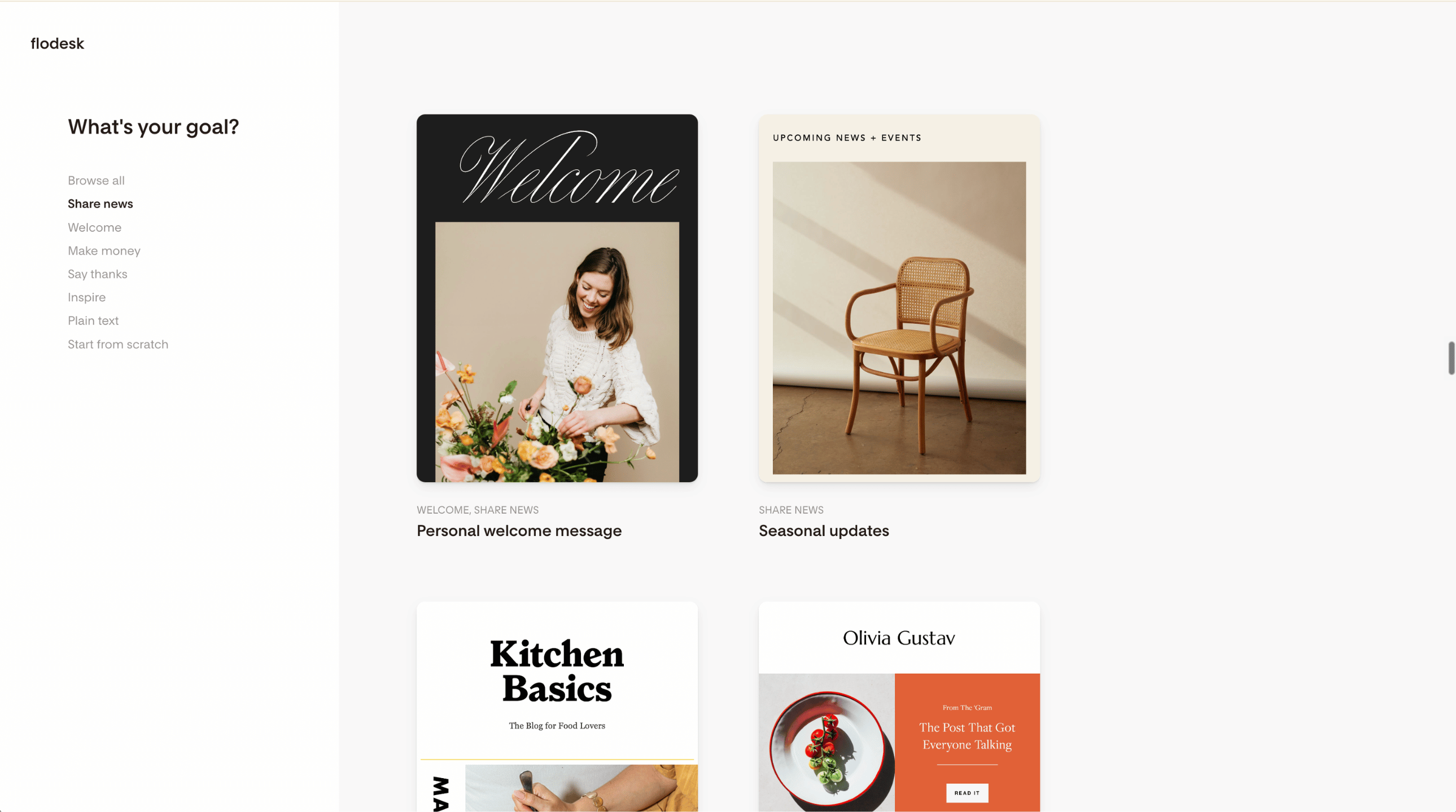
Flodesk is all about looks. Its templates and editor make polished, on-brand emails quick to produce, which appeals to creators and lifestyle brands. Forms and landing pages come with every plan, and the top plan adds checkouts and sales pages.
Flodesk dropped its flat-rate pricing for new members on December 2, 2025. Plans now scale with active subscribers, and unsubscribes and bounces don’t count. Its free plan covers forms and landing pages, but it can’t send email at all. For a MailerLite alternative, that’s a major gap, so plan on a paid plan from day one.
Flodesk pricing
Free: Forms, landing pages, and link-in-bio pages, with no email sending
Lite: $25 a month for 1,000 subscribers, unlimited sends, one seat, and one workflow
Pro: $28 a month for 1,000 subscribers, two seats, and unlimited workflows
Everything: $54 a month for 1,000 subscribers, three seats, checkouts, and sales pages
ℹ️ Worth knowing: Older reviews praising Flodesk’s flat rate no longer apply to new sign-ups. On Lite, one workflow means automation really starts on the Pro plan. There’s no transactional email either, so order confirmations and password resets need a separate tool.
Best for events and local businesses: Constant Contact
Constant Contact has served small businesses and nonprofits for decades. Alongside email, its paid plans include event registration, social posting, and live setup help. Phone and chat support are part of the package, which matters to teams without technical skills or a dedicated marketer.
Its email tools cover the basics well. Every plan includes a drag-and-drop editor, templates, and AI writing tools. A/B subject line testing is available on Standard, and custom automation and dynamic content on Premium.
Constant Contact pricing
Free: No free plan, free trial available
Starter Email: $4 a month, with simplified email features
Lite: $12 a month for up to 500 contacts
Standard: $35 a month, with automation templates and more segments
Premium: $80 a month, with custom automation and dedicated support
ℹ️ Worth knowing: Plans set limits on both contacts and sends, and overage fees are charged when you exceed them. Constant Contact also owns Moosend, but the two serve different needs. Constant Contact suits businesses that want events and hands-on support, while Moosend suits frequent senders who want unlimited sends at a lower entry price. Our Constant Contact alternatives guide lists other options.
Those are the 10 options. If you’re weighing MailerLite against Mailjet directly, the next section compares what each platform does.
Mailjet vs MailerLite: Features compared
Both platforms cover the core of email marketing well. The differences show up in transactional email, team features, and the tools around the inbox.
Feature
Mailjet
MailerLite
Pricing based on
Emails sent
Active subscribers
Contacts
Unlimited from Essential
Set by your plan tier
Transactional email (API, SMTP relay, webhooks)
Included on every plan
Separate product (MailerSend)
Automations and A/B testing
From Premium
All plans (with limitations)
Landing pages
From Premium
All plans (with limitations)
Real-time collaboration
From Premium
No
Team seats
Unlimited on Premium
Three on Comfort, unlimited on Power
Email previews
Simulate different inboxes, from Essential
Simple preview
Email address validation
500 credits from Essential
Separate product (MailerCheck)
Digital products, bookings, and paid newsletters
Not included
All plans (with limitations)
Data hosting
EU, with GDPR compliance built in
EU (Germany and the Netherlands)
Where MailerLite comes out ahead is the all-in-one creator toolkit: Websites, digital products, and paid newsletters in the same account. Where Mailjet comes out ahead is breadth across email itself. One platform covers marketing and transactional email, team editing, inbox previews, and address validation.
Features are only half the comparison, so the next section puts numbers on it.
How much does MailerLite cost compared with Mailjet?
MailerLite charges for your subscribers and Mailjet for emails sent, so neither is cheaper in every situation. It depends on your list, how often you email it, and whether you send transactional email. The three business cases below show where each comes out ahead.
All pricing is monthly, in USD. We compare MailerLite’s Comfort plan with Mailjet’s Premium plan, because Premium is where Mailjet’s automations, A/B testing, and landing pages start. MailerLite offers varying access to those on every plan, so this is the closest like-for-like comparison. Where transactional email is needed, MailerLite’s figure includes MailerSend.
Business case
MailerLite + MailerSend
Mailjet Premium
Small business with limited email needs. 1,000 subscribers, a weekly newsletter (4,000 emails), and little or no transactional email
$19
$29 (15,000 emails)
Growing online store. 10,000 subscribers, two newsletters a month (20,000 emails), plus 10,000 order and account emails
$89 + $14.50 = $103.50
$59 (50,000 emails)
Established business. 25,000 subscribers, two newsletters a month (50,000 emails), plus 20,000 transactional emails
$179 + $29.50 = $208.50
$112 (100,000 emails)
For a business with limited email needs and no transactional email, MailerLite can cost less. Once your list grows and you send receipts and notifications too, one Mailjet plan covers both for less than MailerLite and MailerSend together.
MailerSend figures use its Hobby plan ($7 for 5,000 emails) plus its rate for extra emails. If you don’t need automations, Mailjet’s Essential plan costs $19 for 15,000 emails or $40 for 50,000. For exact figures at your volume, check Mailjet pricing.
Once you’ve settled on a platform, the move itself is mostly a matter of order.
How to switch from MailerLite
Download your subscriber list from MailerLite as a CSV file, keeping the groups and custom fields you use.
Bring unsubscribes and bounces across as a suppression list, so people who opted out stay opted out.
Verify your sending domain on the new platform with SPF and DKIM records, and review your DMARC policy.
Recreate the templates and automations that matter most, beginning with your welcome series and any sales emails.
Point your transactional email at the new platform if you use MailerSend, by updating the API key or SMTP settings in your app or store.
Plan for your website and digital products if they live in MailerLite, since most email platforms don’t host them.
Warm up gradually, sending to your most active subscribers first and adding the rest over your next few campaigns.
A few questions come up again and again when people compare MailerLite with other tools.
Frequently asked questions
It depends on why you’re considering alternatives. For marketing and transactional email in one plan, priced on what you send, look at Mailjet. For SMS and WhatsApp alongside email, Brevo fits better. ActiveCampaign suits complex automation, and Kit suits creators selling to their audience.
Yes, but the free plan is smaller than it was. Since June 16, 2026, it covers up to 250 active subscribers and 2,500 emails a month, with three automations and one landing page. Above those limits, campaigns and automations stop sending until you upgrade.
If you want to start small and grow, Mailjet’s free plan covers 1,000 contacts and 6,000 emails a month. It includes transactional sending too, so you can try marketing and transactional email together before you pick a paid plan.
MailerLite’s Comfort plan starts at $12 a month for 500 subscribers, billed monthly, and Power at $25. Prices rise with your contact list. Comfort costs $19 for 1,000 subscribers and $89 for 10,000. Paying yearly saves 10%.
Not from the MailerLite app itself. Transactional email runs through MailerSend, a separate product with its own plans, starting at $7 a month for 5,000 emails. Mailjet and Brevo both include transactional email in the same plan as marketing email.
Brevo is the better fit if you want SMS or WhatsApp alongside email, or pricing based on what you send. MailerLite is simpler to learn and includes a website builder and digital product sales. Both have free plans, with different limits.
Flodesk is the stronger choice if design is your priority, and its paid plans include unlimited sends. MailerLite includes automations on every paid plan, while Flodesk’s entry plan allows one workflow. MailerLite’s free plan also sends email, and Flodesk’s doesn’t. Both now price by subscriber count.
Kit is built for creators who sell to their audience, with paid newsletters and a recommendation network. MailerLite is cheaper at the same list size and offers more design and website tools. Both bill by subscriber, so neither helps if your list is the cost problem.
Choosing your MailerLite alternative
Think about where your email is heading as your business grows. If you’ll send campaigns and transactional email, choose a platform that handles both without a second bill, like Mailjet. Your bill rises with your sending, not your contact list. A store with a large catalog will get more from an ecommerce specialist such as Omnisend. And if SMS or a CRM needs to sit alongside email, Brevo and ActiveCampaign are the ones to compare.