Make the most of your email preheader
An email preheader (also called preview text) is the summary line of text that follows a subject line when the email is viewed in an inbox. It may not seem like much to marketers but, along with the subject line and sender information, this is one of the only elements visible in the inbox before the email is opened. This means that your preheader has a significant impact on whether your subscribers will open your email marketing campaign or not.
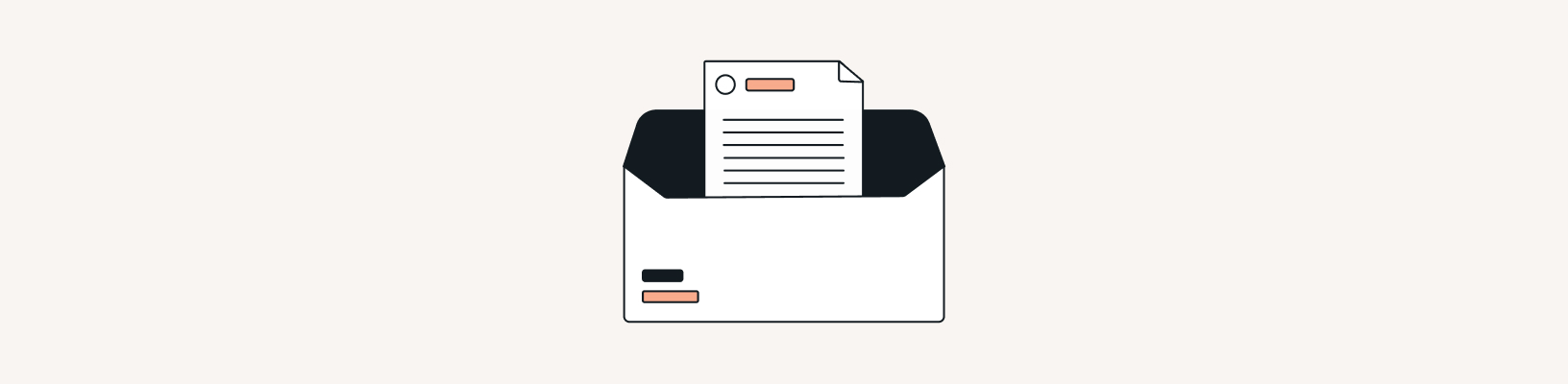
The preheader length varies depending on the devices and mailboxes used by the recipients of your email list. In theory, most of them support between 40 and 140 characters. This leaves plenty of room to create a compelling text convincing subscribers to open the email. However, keep in mind that mobile email clients typically show less of your preheader text. For most mobile devices, the preheader text is between 30 and 55 characters long.
How to write a great email preheader text
When the preheader is not specifically filled in, the email clients may display (by default) the first lines of text or code in the body of the message. Make sure to use an Email Service Provider (ESP) that allows you to easily change the preview text. Then, use your preheader to give subscribers more incentive to open your email campaign:
- The preheader should be complementary to the email subject line. Because it’s your second chance to tease users, it should not just repeat the same message. Write a preheader that offers a logical continuation of the subject line.
- Personalization is always key when it comes to email marketing. Your preheader is no exception to the rule, and its short summary should also include variables that customize the message.
- Add emojis to catch the attention of your email recipients and generate higher open rates. But be careful on which ones you use for your email campaigns. Different cultures might react to the same picture in different ways.
Result
24% of subscribers read the preview text of an email before deciding whether or not to open it. Also known as second subject lines, email preheaders can lead to a 7% higher email open rate.