Best Brevo alternatives: 9 options for growing businesses
Brevo, formerly Sendinblue, is a popular all-in-one platform, and for good reason. It combines email with SMS, WhatsApp, and a CRM, and its free plan is generous. But as your audience grows and teams start collaborating on campaigns, some limitations can start to bite. Which Brevo alternatives are worth a look?
Brevo describes itself as a “customer platform for all your marketing and sales needs”. And it covers a lot of those needs well. Every plan includes marketing and transactional email, and reviewers regularly praise its send-based pricing.
But every all-rounder has its weaknesses. And when it comes to email platforms, you’re spoiled for choice. This article offers nine options for growing businesses that are searching for Brevo or Sendinblue alternatives.
Why do people switch from Brevo (formerly Sendinblue)?
Many Brevo customers are happy with its basic functionality, but they have hit one of four common limits.
Your list outgrows the lower-tier contact limits
Brevo is priced on the number of emails you send. However, on its Starter and Standard plans, the number of contacts you can store also depends on the email volume you buy. The 5,000 email tier includes 500 contacts, the 10,000 tier 1,500, and the 15,000 tier 2,500.
That means a growing list can push you up a tier before your sending does. A business with 3,000 contacts that emails them twice a month sends about 6,000 emails. It still needs Brevo’s 20,000-email tier, at $32 a month, just to store the list.
Larger teams need the Professional plan
Brevo’s Standard plan includes one marketing seat, and you can add up to two more for $12 a month each. That works for a small team. Once more than three people need access, multi-user access moves to the Professional plan, which starts at $499 a month.
A small-business reviewer on G2, writing in 2025, praised Brevo’s “fair pricing model (which charges based on email volume rather than contact list size)” but was clear about the catch.
For teams, collaboration is expensive. Multi-user login access is restricted to the high-tier Professional and Enterprise plans, meaning smaller teams on Starter or Standard plans have to share a single login, which isn’t ideal for security or workflow organization.
Eduardo, Executive Producer
Brevo G2 review, July 2025
Extra Standard seats now ease that for teams of up to three, but a growing team still hits the same wall.
Automation and segmentation run out of depth
Teams with complex data often say they have simply outgrown Brevo. Contacts linked to several companies, behavior-based branching, and custom events are where the limits show.
Some of those teams move to platforms built around behavioral data, such as Customer.io. Others go further up to enterprise tools like Braze or Iterable, which serve a very different budget.
The editor and templates feel rigid
Brevo lists more than 40 templates. The most common complaint in its reviews is that the drag-and-drop editor feels restrictive once you want a more custom design.
Knowing which of those limits you have hit makes the next step much easier.
What should you look for in a Brevo alternative?
Maybe you have outgrown Brevo, or parts of it no longer fit the way your business operates. Either way, be clear on what you need next before you compare Brevo competitors side by side.
Channels. Decide whether you need email only, or email alongside SMS, WhatsApp, and a CRM. Email specialists and all-in-one suites solve different problems, and this choice narrows the list fastest.
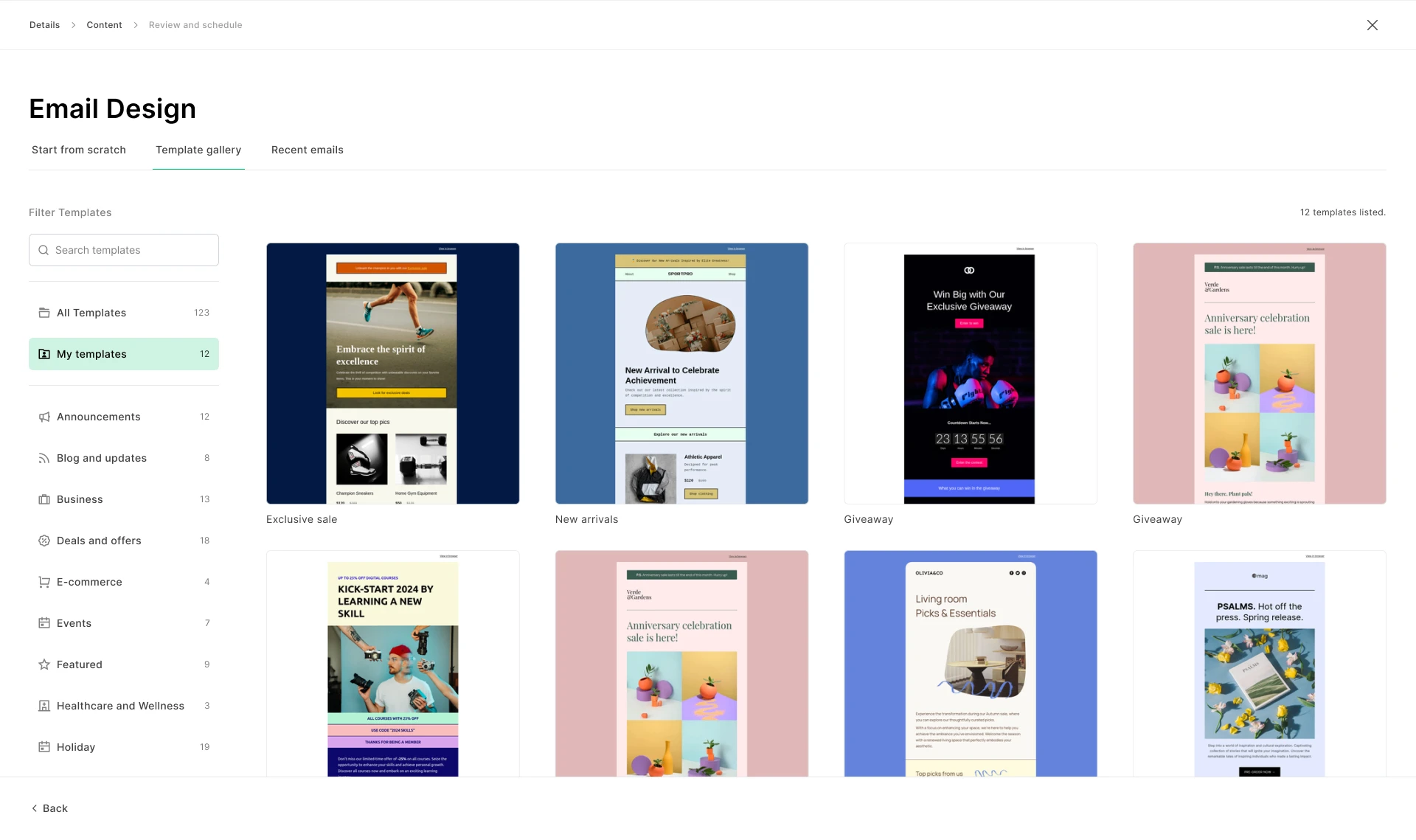
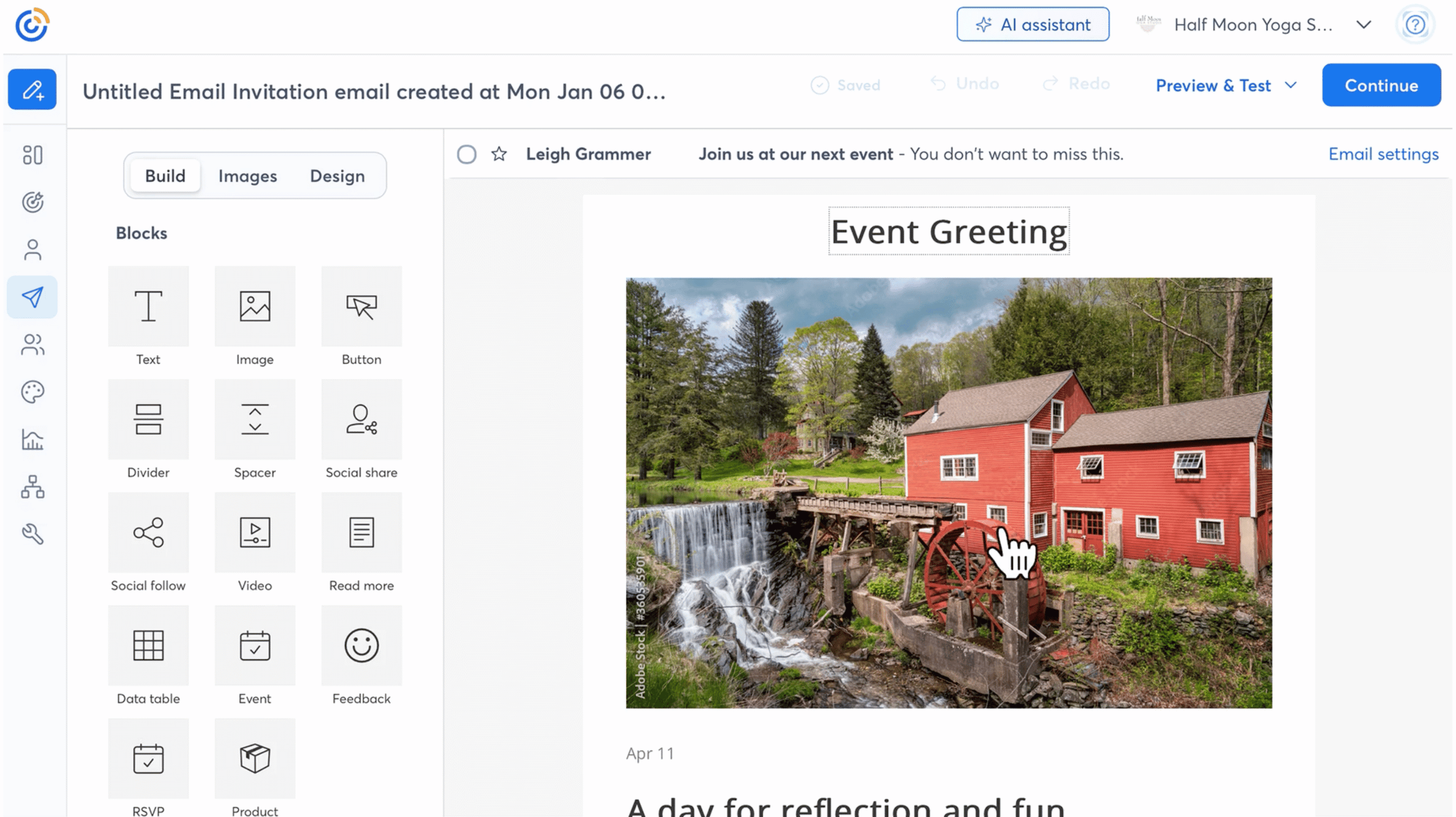
Email creation. Look at the editor, the templates, and whether several people can work on the same email at once.
Automation depth. Simple welcome series are everywhere. Branching journeys built on behavior and custom events are not.
Transactional email. Brevo sends receipts and password resets alongside campaigns. If you rely on that, your next platform needs an API and SMTP relay.
Team access. Count how many people need to log in, and whether marketers, designers, and developers need different permissions.
Pricing model and contact limits. Some platforms charge for the emails you send, others for the contacts you store. Check how both limits grow with your business.
Data location. If you operate in the EU or hold data on EU customers, check where each platform stores subscriber data.
With those criteria in mind, here is how the nine options compare at a glance.
The 9 Brevo alternatives at a glance
Platform
Best for
Free plan
Paid plans from
Priced on
Mailjet
Growing audiences
6,000 emails/mo, 1,000 contacts
$9/mo for 8,000 emails and 2,000 contacts
Emails sent (unlimited contacts from Essential)
MailerLite
Creators and simple newsletters
2,500 emails/mo, 250 contacts
$12/mo for 500 contacts
Contacts and emails
Mailchimp
Connecting lots of tools
500 emails/mo, 250 contacts
$13/mo for 500 contacts
Contacts
ActiveCampaign
Advanced automation
None (14-day trial)
$15/mo for 1,000 contacts, billed annually
Contacts
HubSpot
CRM and sales in one place
2,000 emails/mo, HubSpot branding
$20/mo per seat, 1,000 marketing contacts
Seats and contacts
Klaviyo
Ecommerce data and segmentation
500 emails/mo, 250 profiles
$20/mo for 500 profiles
Active profiles
Omnisend
Email plus SMS for online stores
500 emails/mo, 250 contacts
$16/mo for 500 contacts
Contacts
Constant Contact
Events and local businesses
None (free trial)
$4/mo (simplified email features)
Contacts and emails
Mailgun
High-volume transactional email
100 emails/day
$15/mo for 10,000 emails
Emails sent
Brevo (for reference)
All-in-one marketing and CRM
300 emails/day
$9/mo for 5,000 emails and 500 contacts
Emails sent, with contact caps on lower tiers
Prices are monthly in USD at each platform’s entry tier, and they rise with the size of your contact list or your sending volume. Price is only part of the picture, so the reviews below focus on what each platform does well.
Our pick of the best alternatives to Brevo
Best for growing audiences: Mailjet
Mailjet is built to help businesses grow, and its pricing is designed around that. You pay for the emails you send, and contacts are unlimited from the Essential plan upward. That means a list that doubles does not push you into a new tier, and only your sending volume moves the bill.
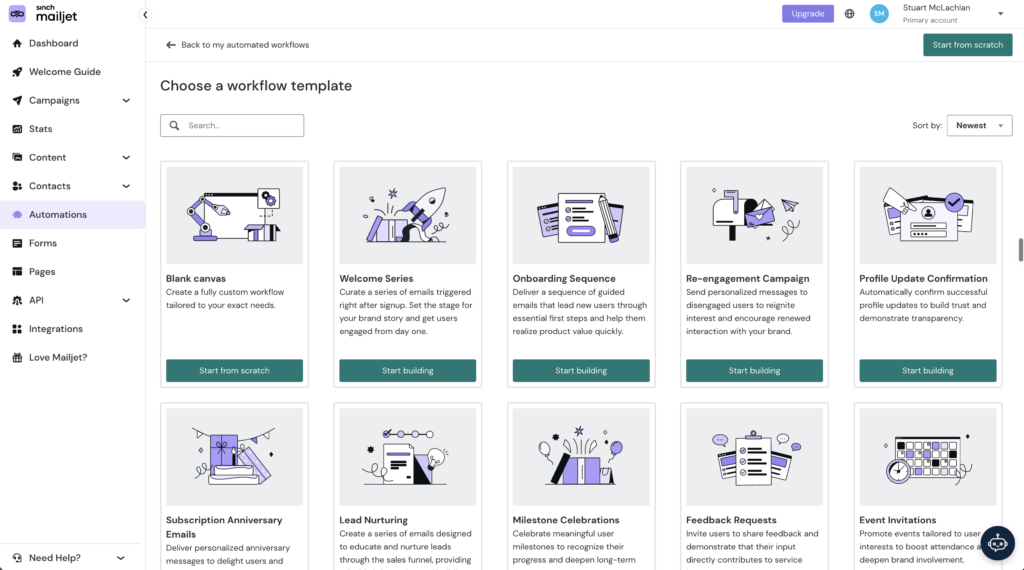
It handles marketing and transactional email on one platform, for marketers and developers working side by side. Marketers get a drag-and-drop editor, segmentation, AI content tools, and automations. Developers get a send API, SMTP relay, and webhooks on every plan, including Free.
Mailjet delivers 98% of the emails it sends. Customer data is hosted in the EU, with GDPR compliance and privacy-first tracking built in. Smaller teams get the same platform as larger ones. TYPO3 runs its newsletters and event invitations on Mailjet and reports saving around four hours a month.
One reviewer on G2 summed up the appeal for a growing list. “It’s extremely easy to use, got me started in no time and allows to store unlimited contacts.”
Mailjet pricing
Free: 6,000 emails a month, up to 1,000 contacts, no credit card required
Starter: $9/month for 8,000 emails and 2,000 contacts
Essential: $19/month for 15,000 emails, with unlimited contacts
Premium: $29/month for 15,000 emails, adding automations, landing pages, and team account sharing
ℹ️ Worth knowing: Mailjet is an email specialist. If you need SMS, WhatsApp, or a CRM in the same tool, an all-in-one platform may suit you better. Unlimited contacts begin at Essential, and automations and multi-user access sit on Premium. Compare the two platforms in more detail in our Mailjet vs Brevo comparison.
Best for creators and simple newsletters: MailerLite
MailerLite comes up again and again when people talk about leaving Brevo, especially those who mainly send newsletters. Its drag-and-drop editor and unlimited templates make a regular email quick to produce. Paid plans add an AI writing assistant, smart sending, and a subscriber preference center, so readers choose what they hear about.
It also sells digital products and bookings directly, which suits creators and solo businesses. Every paid plan includes the full feature set, and the Power plan removes the email limit and adds unlimited user seats.
A marketing specialist moved from Brevo to MailerLite. Their Capterra review says “its focus on simplicity makes it ideal for teams that need to run campaigns efficiently, without a steep learning curve.” The trade-off came in the same review. “Compared to other platforms, it offers fewer features.”
Free: Up to 250 subscribers and 2,500 emails a month, two user seats
Comfort: $12/month for up to 500 subscribers, 5,000 emails, and three seats
Power: $25/month for up to 500 subscribers, unlimited emails, and unlimited seats
Worth knowing: Automation and segmentation are simpler than on specialist platforms. You also pay by subscriber count, so a fast-growing list raises the bill even if you send rarely. For more options, see our MailerLite alternatives.
Best for connecting lots of tools: Mailchimp
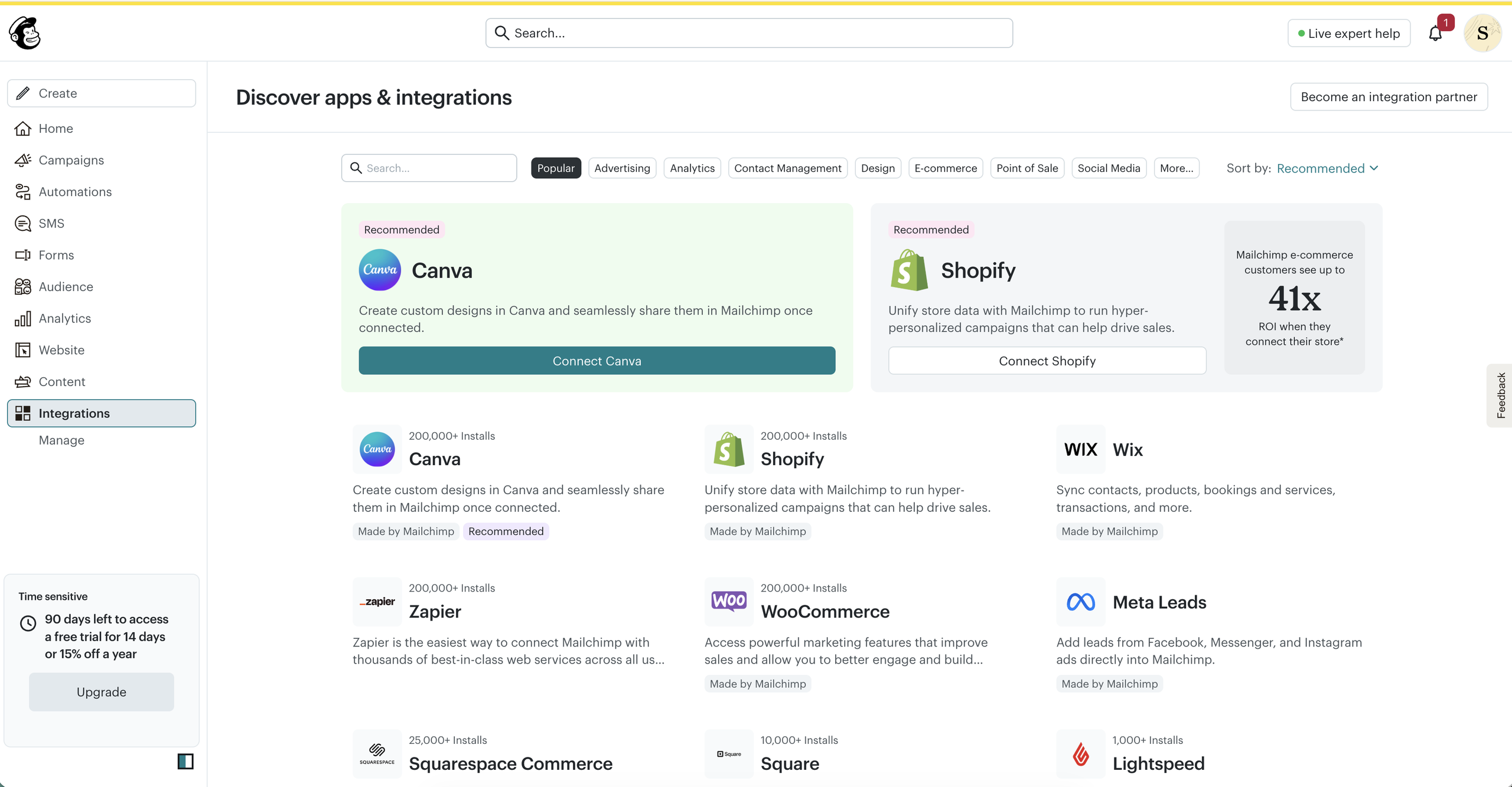
Mailchimp started as an email marketing platform, and email is still its core. It has since grown into a wider marketing suite with a directory of more than 300 integrations, including Shopify, WooCommerce, Canva, Zapier, and Salesforce. If your stack depends on connected tools, it is likely to support them.
The bigger question is where Mailchimp is heading. Intuit bought it for $12 billion in 2021. In May 2026, Intuit cut 17% of its workforce and said it was reducing investment in areas including Mailchimp, according to MediaPost.
Some users feel the value shifting, too. A founder reviewing it on G2 praised how easy it makes creating and sending emails, then added: “Mailchimp has become noticeably more expensive. I still like the platform, but the increasing cost makes it harder to justify compared with other email marketing options.”
Free: Up to 250 contacts and 500 emails a month, one seat
Essentials: From $13/month for up to 500 contacts and 5,000 emails a month, three seats
Standard: From $20/month for up to 500 contacts, adding automation flows and five seats
ℹ️ Worth knowing: Pricing is based on contacts, so it climbs as your audience grows. Our Mailchimp alternatives guide covers the trade-offs in detail.
Best for advanced automation: ActiveCampaign
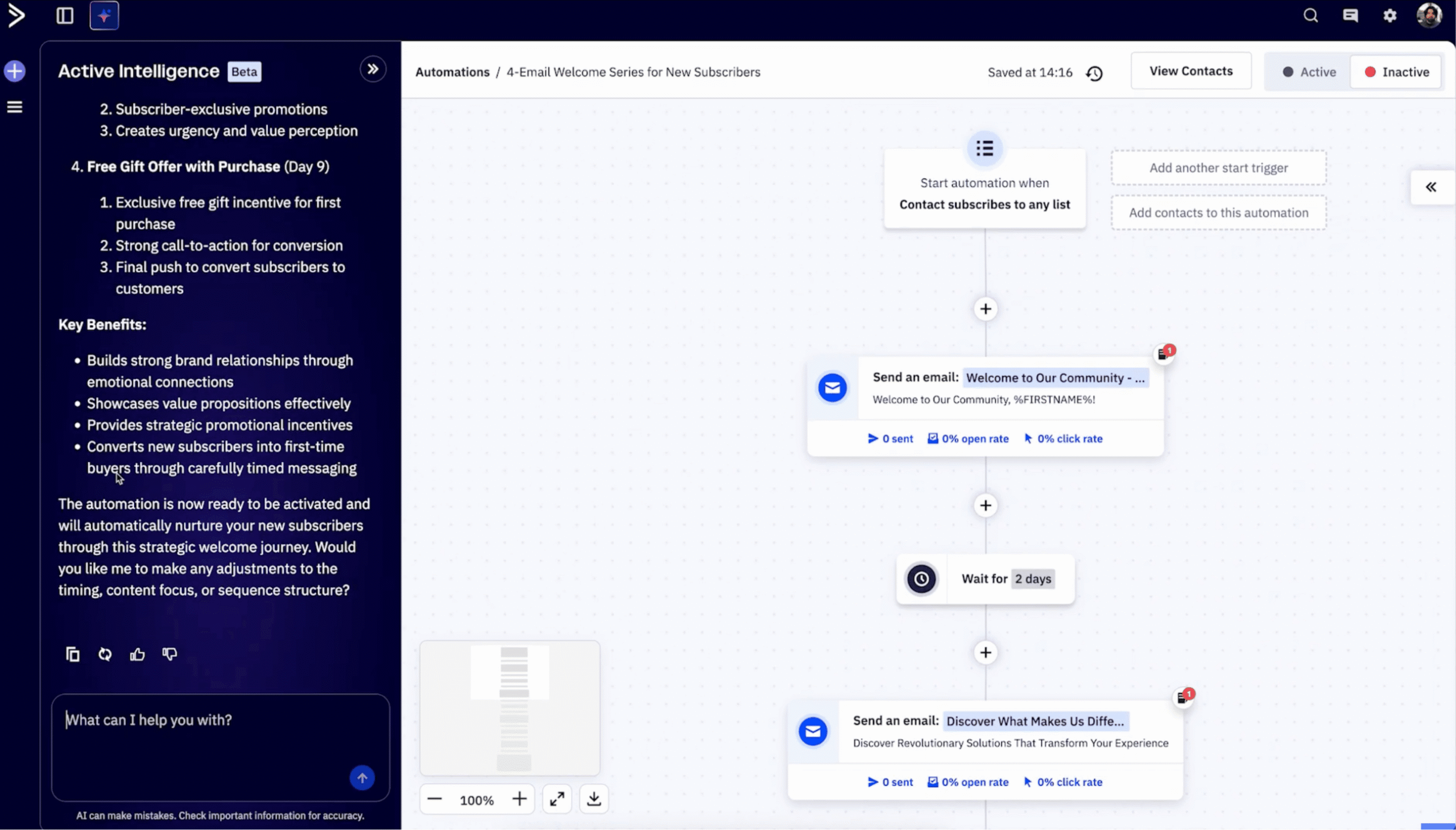
ActiveCampaign is where many teams go when Brevo’s automation runs out of depth. Its builder handles branching email journeys based on site visits, purchases, and custom events. Emails can change content depending on who receives them, and the platform ties into a sales CRM.
One reviewer on Capterra has used ActiveCampaign for more than five years. They praised how it “combines contact management with artificial intelligence for truly easy use.” They also flagged the cost curve. “ActiveCampaign is a solution that is undoubtedly a little expensive once the number of contacts becomes significant.”
Free: No free plan, 14-day trial
Starter: $15/month for 1,000 contacts, billed annually, one user
Plus: $49/month billed annually, adding landing pages and standard segmentation
Pro: $79/month billed annually, with advanced segmentation and three users
ℹ️ Worth knowing: The Starter plan limits each automation to five actions, so serious automation starts at Plus. Its pricing page only shows annual billing, which gives less month-to-month flexibility than most tools here. See our ActiveCampaign alternatives for comparable options.
Best for CRM and sales in one place: HubSpot
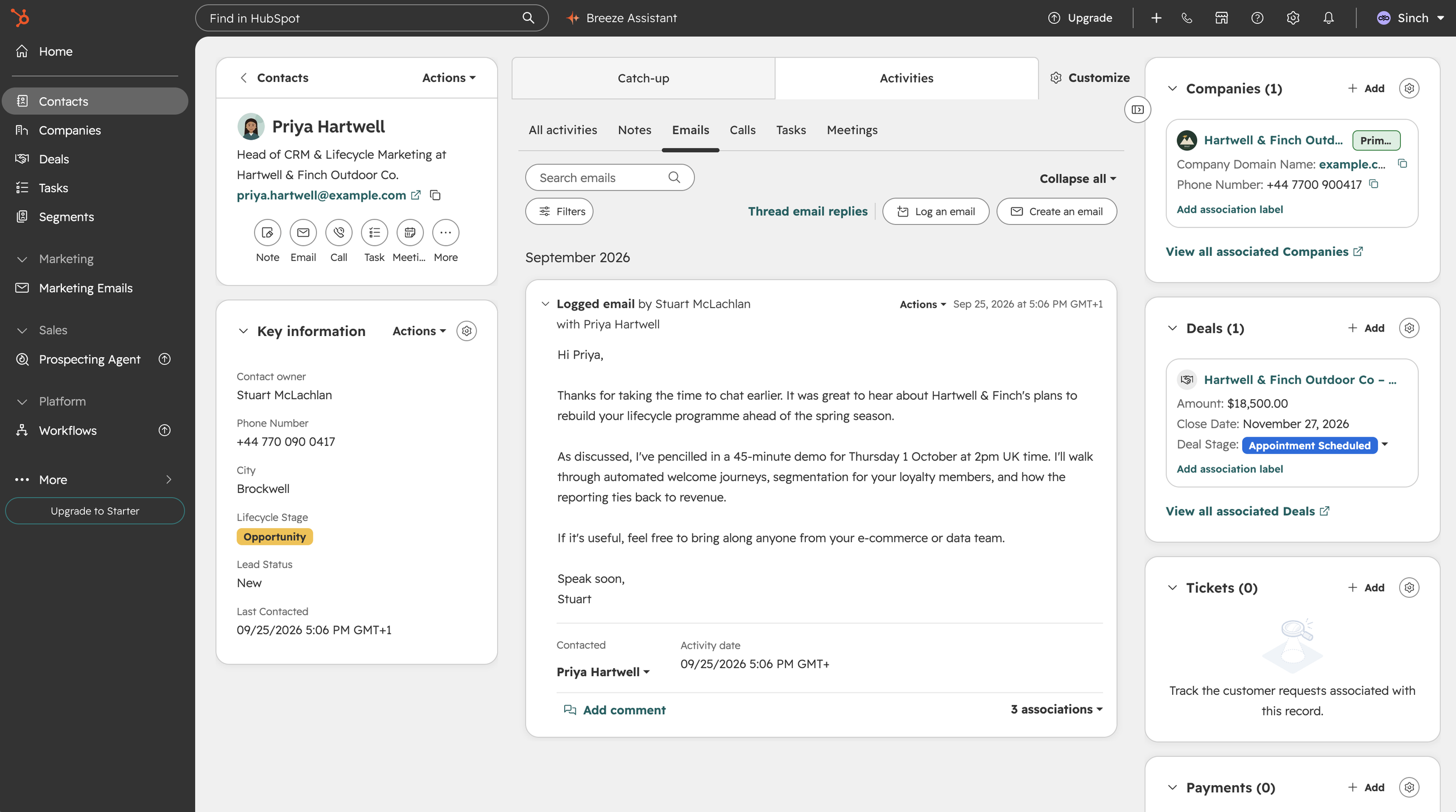
Most marketers have heard of HubSpot, and it covers a huge range of marketing, sales, and service work. Email is one part of that suite rather than the center of it. Every team works from one shared contact database, so everyone sees the same customer history.
That breadth appeals to teams that use Brevo’s CRM and want to go much further with it. If email is your main focus, though, you are likely to pay for far more platform than you need.
A senior CRM marketing specialist on Capterra described the Workflows feature as “very intuitive, powerful to handle complex logic”. They also noted that “while the entry point is accessible for small business, the pricing jumps significantly for big scale integrations”.
Free: Free tools for two users, 2,000 emails a month with HubSpot branding
Starter: $20/month per seat on monthly billing, with 1,000 marketing contacts
Professional: $890/month on monthly billing, three seats, plus a one-time $3,000 onboarding fee
Worth knowing: The jump in pricing from Starter to Professional is huge, and Professional carries a mandatory onboarding fee. Most teams choose HubSpot for its CRM, so it is not a like-for-like replacement for Brevo’s marketing and transactional email.
Best for ecommerce data and segmentation: Klaviyo
Like HubSpot, Klaviyo is not a pure email platform. It describes itself as a B2C CRM, bringing email together with SMS, WhatsApp, push notifications, and customer service, all built around store data.
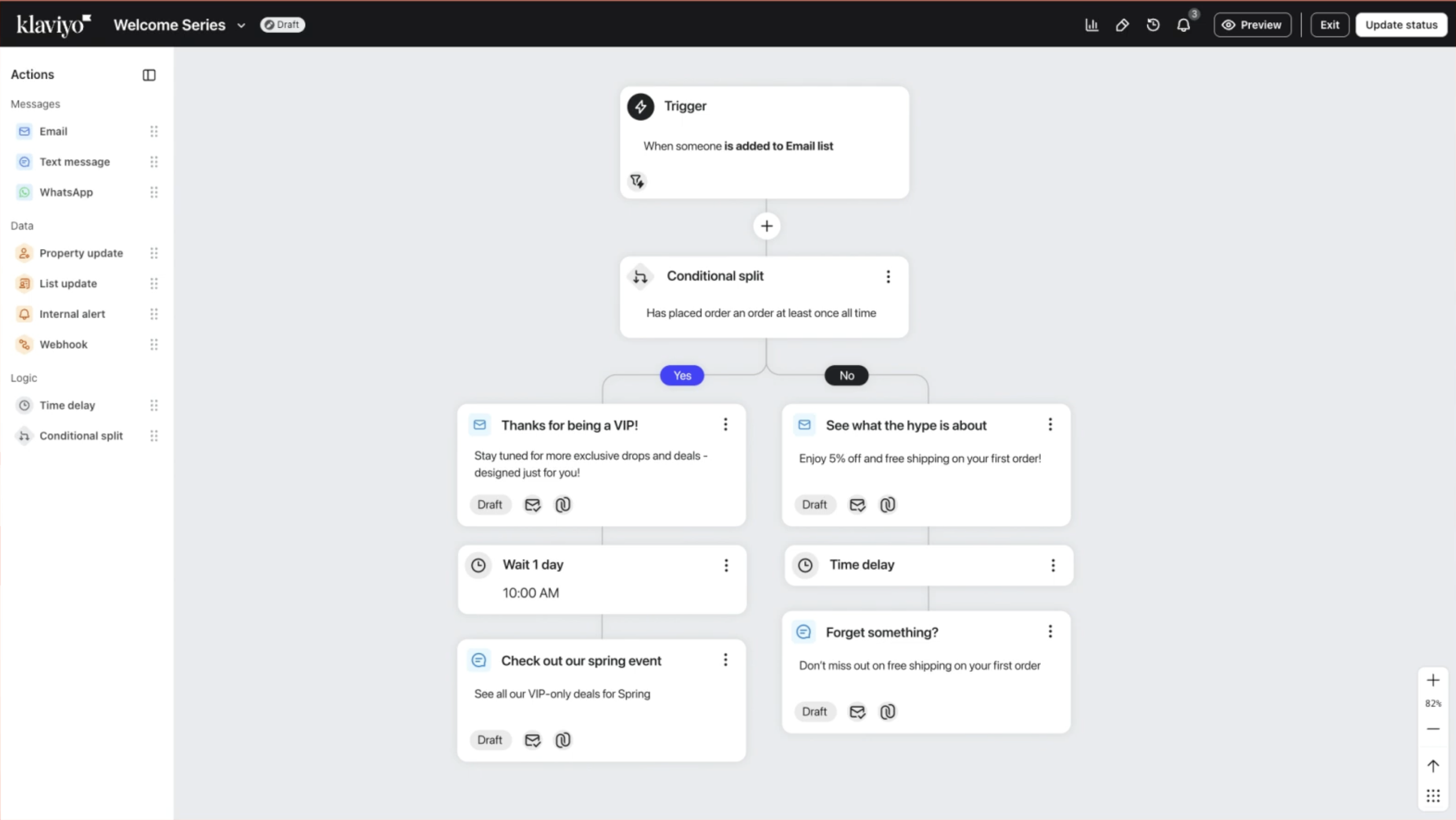
For email, that data is the strength. Klaviyo pulls in orders, browsing, and product catalogs, then uses them to segment audiences and add product recommendations to campaigns and automated flows. For an online store that has outgrown Brevo’s ecommerce features, it is the specialist choice.
Free: Up to 250 active profiles and 500 emails a month
Email: From $20/month for 500 active profiles and 5,000 emails
ℹ️ Worth knowing: Klaviyo sells marketing, data and analytics, service, and AI agents as separate products. Each is priced on its own, so a full setup gets complex. It is designed for ecommerce and is less suited to B2B or service businesses.
Best for email plus SMS for online stores: Omnisend
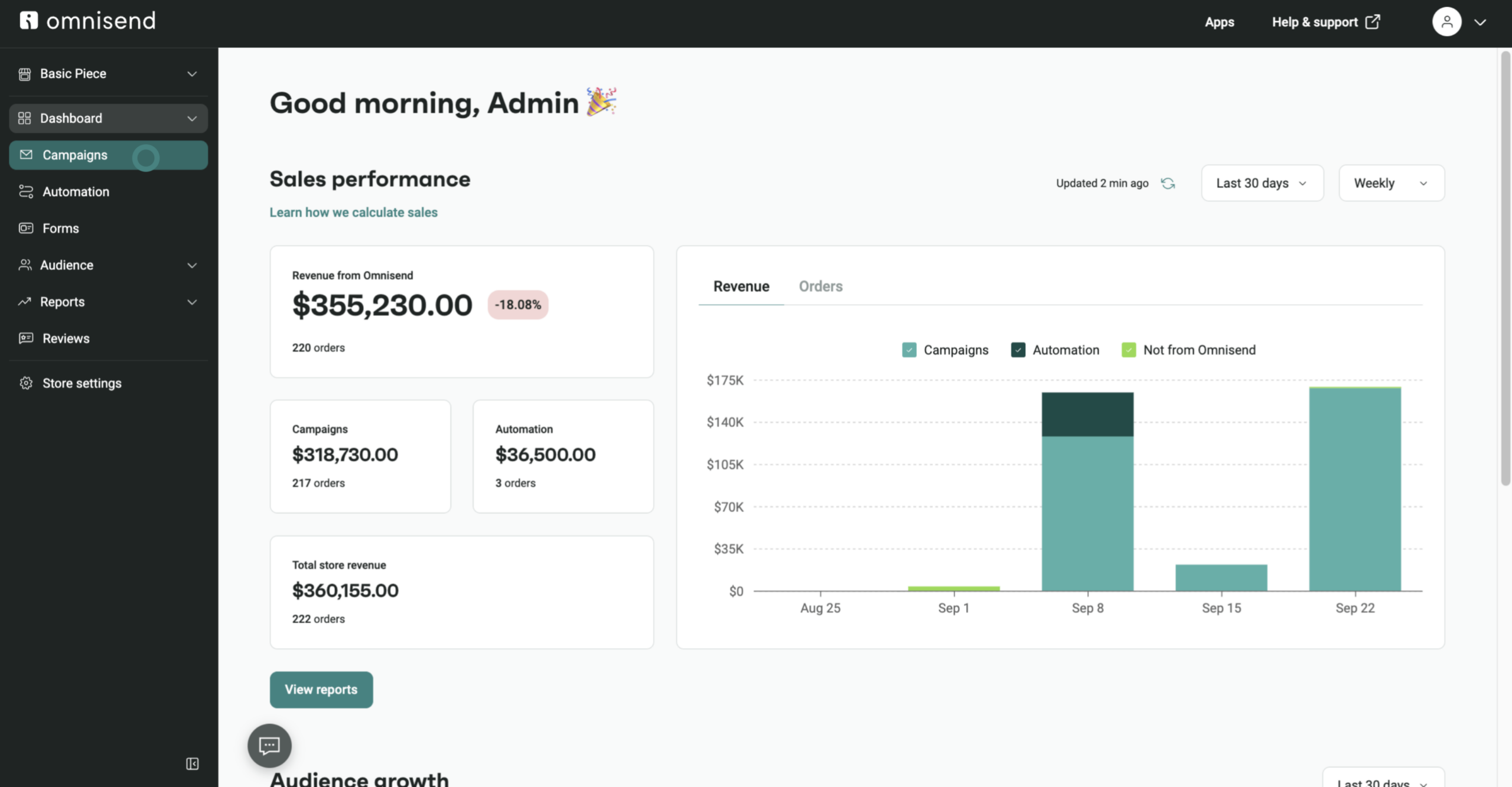
Omnisend is built for online stores that want email and SMS working together. Its email builder pulls products straight into campaigns, and prebuilt automations cover abandoned carts, browsing, and post-purchase follow-ups.
It shines in ecommerce, where store data feeds its segments and workflows. It fits less well outside retail, since most of its templates and automations assume you sell products online.
Free: Up to 250 contacts and 500 emails a month
Standard: $16/month for 500 contacts and 6,000 emails
Pro: $59/month for 2,500 contacts and unlimited emails
ℹ️ Worth knowing: SMS credits cost extra, and pricing is based on contacts. There is an introductory discount on the first three months, so check the ongoing price. Our Omnisend alternatives guide goes deeper.
Best for events and local businesses: Constant Contact
Constant Contact is a long-established platform built for small local businesses and nonprofits without a dedicated marketing team. Paid plans include live one-to-one setup, phone and chat support, event management, and social posting, all in the same tool. Nonprofits can save up to 30% by prepaying for a year.
On the email side, every plan includes a drag-and-drop editor, templates, and AI writing tools. Standard adds A/B subject line testing and more automation templates, while Premium adds dynamic content and custom automation.
Free: No free plan, free trial available
Starter Email: $4/month, with simplified email features
Lite: $12/month for up to 500 contacts
Standard: $35/month, adding automation templates and more segments
Premium: $80/month, with custom automation and dedicated support
ℹ️ Worth knowing: Automation stays basic below Premium. Plans are priced on contacts and sends, with overage fees if you exceed them. Compare more options in our Constant Contact alternatives.
Best for high-volume transactional email: Mailgun
Some teams use Brevo mainly for transactional email and simply need more sending power. Mailgun is built for that job. It offers developer-first APIs, inbound routing, and detailed logs for engineering teams sending at scale.
A CTO reviewing Mailgun on G2 singled out the documentation. “The online help we required when building API calls from our software was easy to access, clear and accurate.”
Free: 100 emails a day
Basic: From $15/month for 10,000 emails
Foundation: $35/month for 50,000 emails
Scale: $90/month for 100,000 emails, with one dedicated IP included
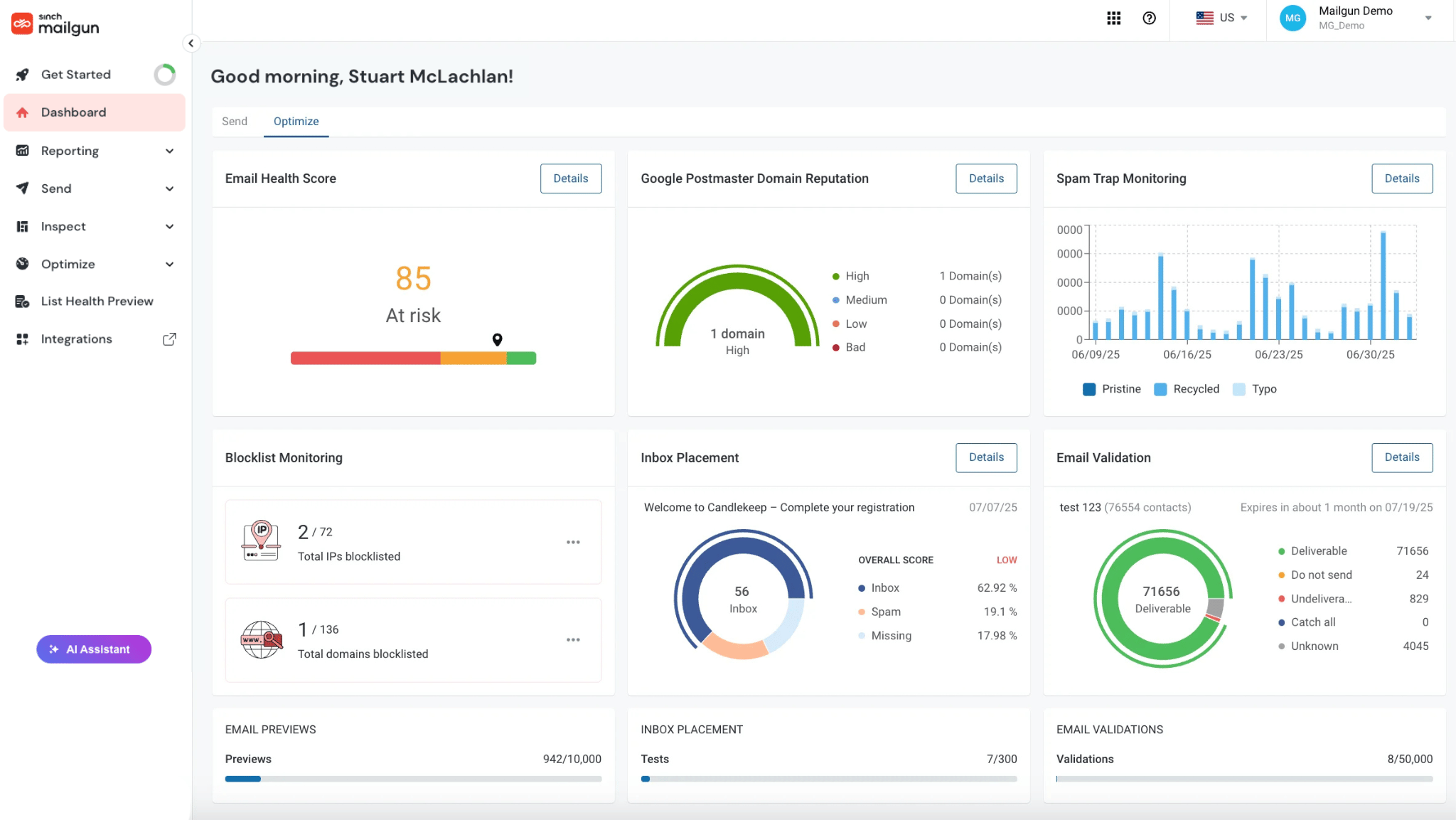
ℹ️ Worth knowing: Mailgun is an email API, not a marketing platform. Deliverability and reputation monitoring sit in a separate product, Mailgun Optimize.
Whichever platform you choose, the next question comes as your team grows.
Can your email platform grow with your team?
When a business is small, one person often does everything, from planning a campaign to writing it, designing it, and checking the results. As the business grows, those jobs start to split.
A marketer plans the calendar, a writer drafts the copy, a designer owns the templates, and a developer looks after transactional email. Someone in finance handles the invoices. Your email platform needs to grow with that team rather than hold it back.
On Brevo, the Standard plan covers up to three marketing seats, with each extra seat at $12 a month. Beyond that, multi-user access moves to the Professional plan, from $499 a month.
On Mailjet, account sharing comes with the Premium plan, from $29 a month. Each person gets a role that matches their job: Manager, Marketer, Developer, Designer, or Accountant.
It allows our marketing and design teams to work together on the same template simultaneously, similar to working in Google Docs, which eliminates the need for constant back-and-forth revisions.
Ramanpreet, Software Developer
G2 review, May 2026
For agencies and multi-brand businesses, subaccounts keep each client or brand separate under one login. Agency Palmer Hargreaves sends more than three million emails a year for clients across up to 19 markets.
When you compare platforms, check three things:
How many seats each plan includes
Whether you can set permissions by role
What it costs as you add more people and roles
Team access is one cost to weigh. The other is whether you can start without paying at all.
Are there free alternatives to Brevo?
Yes, although Brevo’s free plan is better than most. It allows 300 emails a day with a high contact ceiling, and includes automations for up to 2,000 contacts. Free plans differ on features as well as limits, so compare what each one actually lets you do.
Mailjet: 6,000 emails a month and up to 1,000 contacts, with the email editor, form builder, API, and SMTP relay
HubSpot: 2,000 emails a month for two users, with HubSpot branding on your emails
MailerLite: 2,500 emails a month and up to 250 subscribers, with three automations, one landing page, and three signup forms
Klaviyo: 500 emails a month and up to 250 profiles, with web forms and basic templates
Omnisend: 500 emails a month and up to 250 contacts, plus 500 web push notifications
Mailchimp: 500 emails a month and up to 250 contacts, for one user
Mailgun: 100 transactional emails a day through the API, with no marketing tools
A free plan is a good place to test a platform. The more useful question is what the first paid tier includes once you outgrow it.
Once you have a shortlist, the move itself is the last step to plan.
How to switch from Brevo
Moving platforms takes a few days of preparation, and the order matters.
Export your contacts with their attributes. Include custom fields, list membership, and consent records, not just email addresses.
Bring your unsubscribes and bounces. Import your suppression list so you never email someone who opted out.
Authenticate your sending domain. Add SPF, DKIM, and DMARC records for the new platform before you send.
Move transactional email carefully. Swap API keys or SMTP credentials in your app, then rebuild your transactional templates.
Rebuild automations and forms. Workflows and signup forms do not transfer between platforms, so budget time to recreate them.
Run both platforms briefly. Send a small, engaged segment from the new platform first and compare results before switching fully.
With the practical steps covered, here are the questions people ask most often about Brevo and its alternatives.
Frequently asked questions
Yes. Sendinblue renamed itself Brevo in 2023, so any guide to Sendinblue alternatives applies to Brevo too. It is the same company, with a wider set of sales and multichannel tools added since.
It depends on why you are leaving. If you want email marketing with room to grow your list and team, look at Mailjet. MailerLite suits simple newsletters. ActiveCampaign suits advanced automation, while Klaviyo and Omnisend focus on ecommerce. HubSpot is the step up if you want a full CRM.
Brevo has a free plan that allows 300 emails a day. Paid plans start at $9 a month for 5,000 emails and 500 contacts. On the lower paid tiers, the number of contacts you can store rises with the email volume you buy.
For many newsletter senders, yes. MailerLite suits creators who want simple, subscriber-based pricing and built-in digital product sales. Brevo suits businesses that want SMS, WhatsApp, and a CRM alongside email, with pricing based on sends.
That depends on whether you have more contacts or more sends. If your list is large but you email it rarely, send-based pricing usually works out better. If your list is small but you send often, a contact-based plan with high send limits can suit you. Sending to a large list regularly? See how Mailjet handles bulk email campaigns.
Not on its own. Most deliverability problems come from list quality, authentication, and sending patterns, and those move with you to a new platform. Clean your list and check your SPF, DKIM, and DMARC setup first.
The platform still matters, though. Mailjet delivers 98% of the emails it sends and gives you tools to protect that rate. Essential includes email address validations and email previews.
On Premium, plans of 100,000 emails or more can request a dedicated IP for full control of their sending reputation. For larger senders, Mailjet’s deliverability experts add blocklist monitoring, IP management, and deliverability reports.
Choosing your Brevo alternative
The right choice depends on why you are looking elsewhere in the first place. If Brevo’s contact caps are the problem, choose a platform like Mailjet where your list can grow alongside your business. If you need deeper automation or ecommerce data, a specialist will serve you better. And if your team keeps growing, check seat and role limits before you commit.



 Thomas Hajdukowicz